
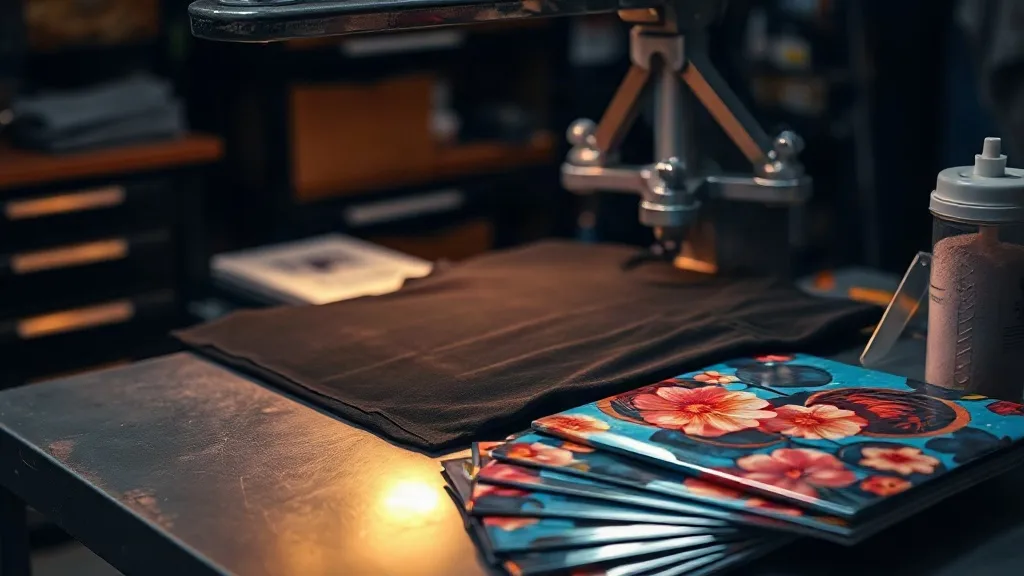
Most dtf transfers failures are not mysterious. They follow patterns. A print peels at the corner, a color looks muddy on a dark hoodie, or the film wrinkles under the press, and the instinct is to blame the transfer itself. In practice, the cause is usually one of five things: moisture, pressure, temperature, timing, or the fabric underneath. Once you learn to read the symptoms, you can fix a bad pull in minutes instead of scrapping a whole order.
This guide walks through the failures that show up most often in real production, what each one actually means, and the specific adjustment that resolves it. If you run a small shop, a side business, or even a home setup printing for local teams and bands, these are the problems you will hit. Learning to troubleshoot them is what separates a hobby from a reliable operation.
Start With the Powder, Not the Press
Before touching temperature settings, check the adhesive powder stage. A surprising share of complaints about dtf prints that crack or fade trace back to powder applied unevenly or cured too long. The powder needs to melt into the ink until it looks glossy and slightly wet, with no visible grains. If you can still see individual particles after curing, the adhesive layer is too thin in spots, and those spots will fail first.
Signs your powder stage is off
- Grainy texture visible under raking light after curing
- Prints that feel chalky rather than smooth
- Adhesive flaking off the film before you even press it
- Uneven transfer on textured fabrics, with bald patches
The fix is usually mechanical: shake the powder shaker in a consistent pattern, tap off excess rather than blowing it, and cure at the temperature your film manufacturer specifies. Overcuring makes the adhesive brittle, which shows up later as cracking along fold lines.
Peeling Edges: The Pressure and Time Conversation
Corner peel is the single most common complaint, and it almost always comes down to insufficient pressure or a press that is not level. A heat press applies force across a platen, and if one side sits slightly higher, that side gets more pressure while the opposite corner gets less. The result is a print that sticks everywhere except one edge.
Test your press with a simple check: place a sheet of paper on the lower platen, close the press, and open it. The indentation should be even across the whole surface. If it is deeper on one side, adjust the pressure knob or shim the platen. Once the press is level, set pressure so you feel firm resistance when locking down, not so hard that the press strains.
A quick peel diagnostic
- Peels while hot: usually too little pressure or too short a press time.
- Peels after the first wash: adhesive was undercured, or the fabric was not pre-pressed.
- Peels only on seams or thick areas: the surface was not flat, so pressure never reached the print.
- Peels in a single corner: press is not level, or the garment shifted during pressing.
Pre-pressing the garment for a few seconds removes moisture and wrinkles. Skipping that step is one of the most common causes of adhesion failure, especially on cotton that has absorbed humidity in storage.
Why Colors Look Dull on Dark Shirts
Printing on black or navy garments exposes weaknesses that never show on white. A white ink base layer sits under the color, and if that base is too thin, the dark fabric shows through and mutes everything. If it is too thick, the print feels rubbery and cracks when stretched.
Two variables control this: the white ink density in your file setup and the press temperature. Running slightly cooler than the maximum rated temperature, with a firm press, gives the white layer a chance to bond without over-gelling. If you regularly print for local sports teams and someone asks about dtf transfers near me, color consistency across a batch matters more than any single print, so lock in one temperature and one pressure setting and stop adjusting between jobs.
Wrinkles and Film Curling Under the Press
Film that curls or wrinkles during pressing usually signals moisture. PET film absorbs ambient humidity, and in a humid shop that moisture turns to steam under heat. The steam pushes the film up, creating wrinkles that transfer into the print as visible lines.
Store film and printed transfers in sealed bags with a desiccant pack. If you are in a humid climate, a cheap dehumidifier near your storage shelf pays for itself. For prints already curled, a few seconds of pre-heating the film flat on the press, covered with a protective sheet, will relax it before the real press.
Fabric Compatibility: Where Prints Quietly Fail
DTF adheres to a wide range of materials, which is part of its appeal, but not all fabrics behave the same. Cotton and cotton blends are forgiving. Polyester is generally fine but can show dye migration on dark colors, where the garment's dye bleeds into the white layer over time. Nylon and treated performance fabrics often need lower temperatures and longer dwell times to bond properly.
Quick fabric notes
- 100% cotton: standard settings, excellent adhesion
- Cotton/poly blends: standard settings, watch for shrinkage
- Dark polyester: use a migration-blocking white or lower temp
- Nylon and spandex: reduce temperature, extend press time, test first
- Water-repellent finishes: pre-wash or avoid, adhesion is unreliable
Always run a test press on a scrap of the actual garment before committing a full order. A five-minute test saves hours of reprints.
Wash Durability: What Actually Breaks Down
Prints that survive the press but fail after a few washes usually have one of two problems: incomplete adhesive curing or a wash routine that attacks the print. Inside-out washing in cold water and tumble drying on low extends print life significantly. High heat in the dryer softens the adhesive and lets the print lift at the edges.
If a customer reports a print failing after washing, ask how they washed it before assuming the transfer was faulty. In my experience, roughly half of wash-failure complaints come down to hot water or high dryer heat. The other half are genuine adhesion problems, which usually trace back to pressure or moisture.
Building a Troubleshooting Habit
The shops that rarely have failures are not using better equipment. They have a routine: check press level weekly, store film sealed, pre-press every garment, test new fabrics, and keep a log of settings that worked. That log is the most valuable document in the shop, because it turns every past job into a reference for the next one.
When a print fails, resist the urge to change three settings at once. Change one variable, press a test, and note the result. This disciplined approach is what turns a frustrating afternoon into a solved problem you will never repeat.
Frequently Asked Questions
Why do my DTF transfers peel after the first wash?
Most often the adhesive was undercured during the powder stage, or the garment was not pre-pressed to remove moisture. Check that the powder melted to a glossy finish and that you pre-pressed for at least five seconds before applying the transfer.
Can I press DTF transfers onto polyester without dye migration?
Yes, but you need to manage temperature and use a white ink layer designed to block migration. Press at the lower end of the film's rated range and test on a scrap of the same garment, since some polyesters are more prone to bleeding than others.
What temperature should I use for DTF transfers?
Follow the film manufacturer's specification, which is typically in the 150 to 165 degree Celsius range for 10 to 15 seconds. Pressure matters as much as temperature, so make sure your press is level and applying even force across the platen.
Why is my print wrinkling under the heat press?
Wrinkling usually means moisture in the film or the garment. Store transfers in sealed bags with desiccant, pre-press garments to release steam, and pre-heat curled film briefly under a protective sheet before the main press.
How do I find reliable DTF transfers near me?
Look for suppliers who publish their film specifications, offer consistent batch quality, and can answer technical questions about press settings. A supplier who understands the process will save you far more time than one who only competes on price.