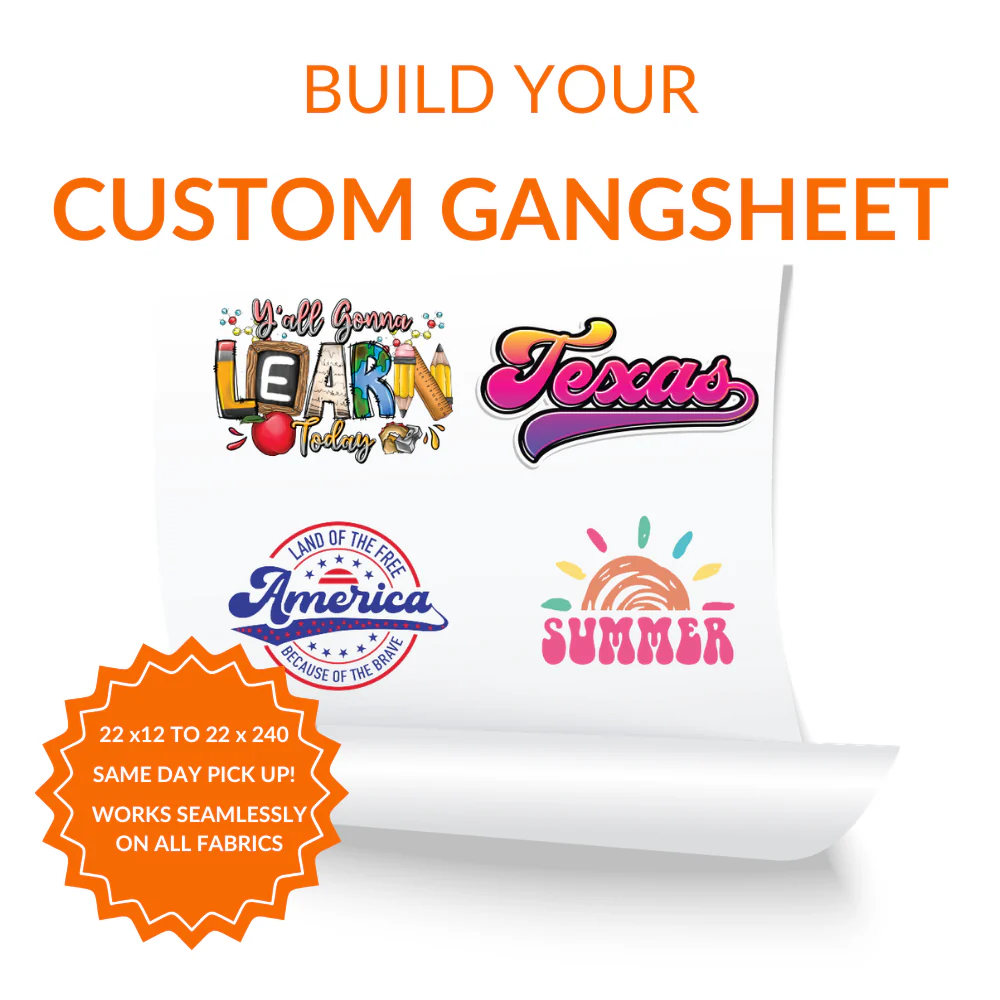
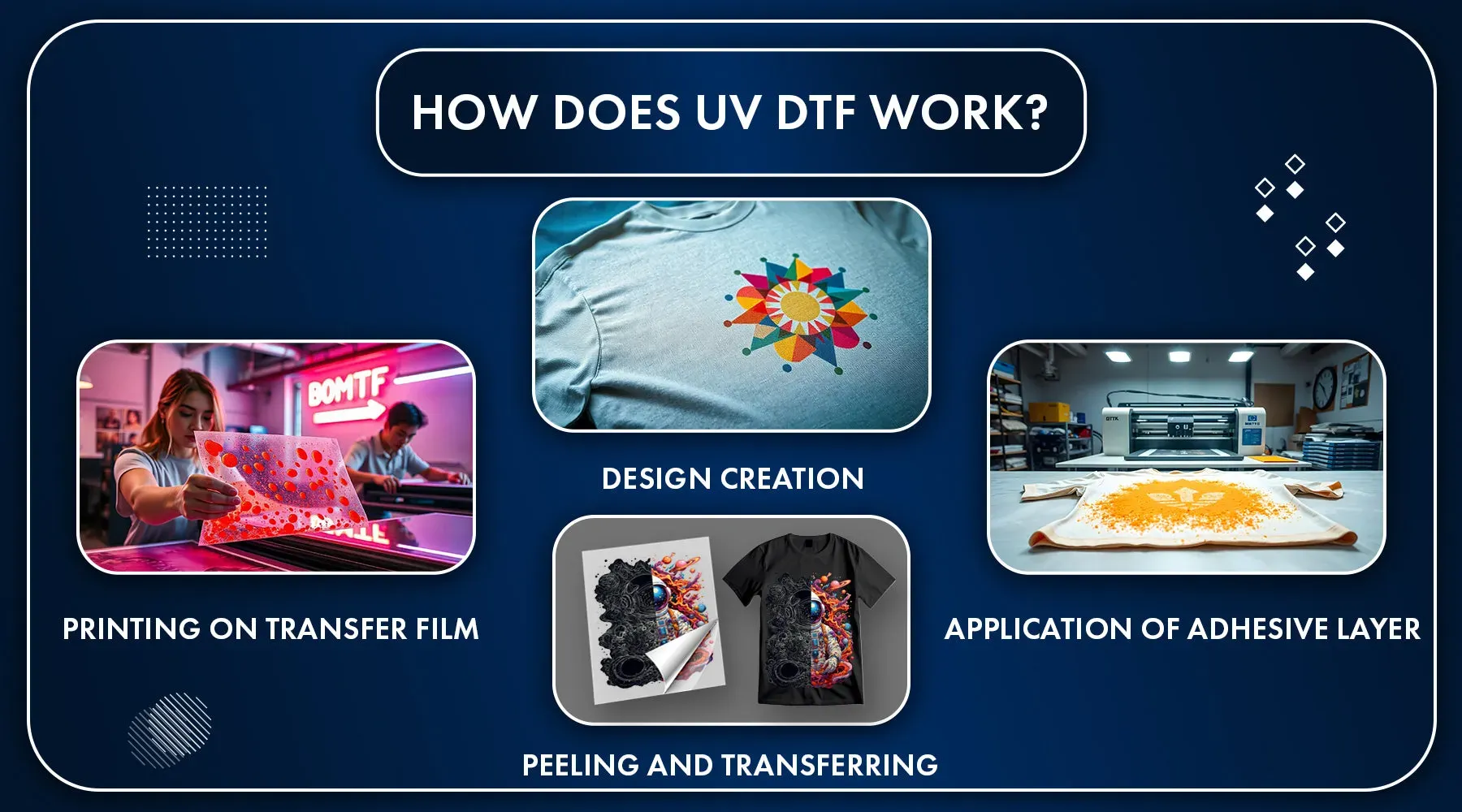
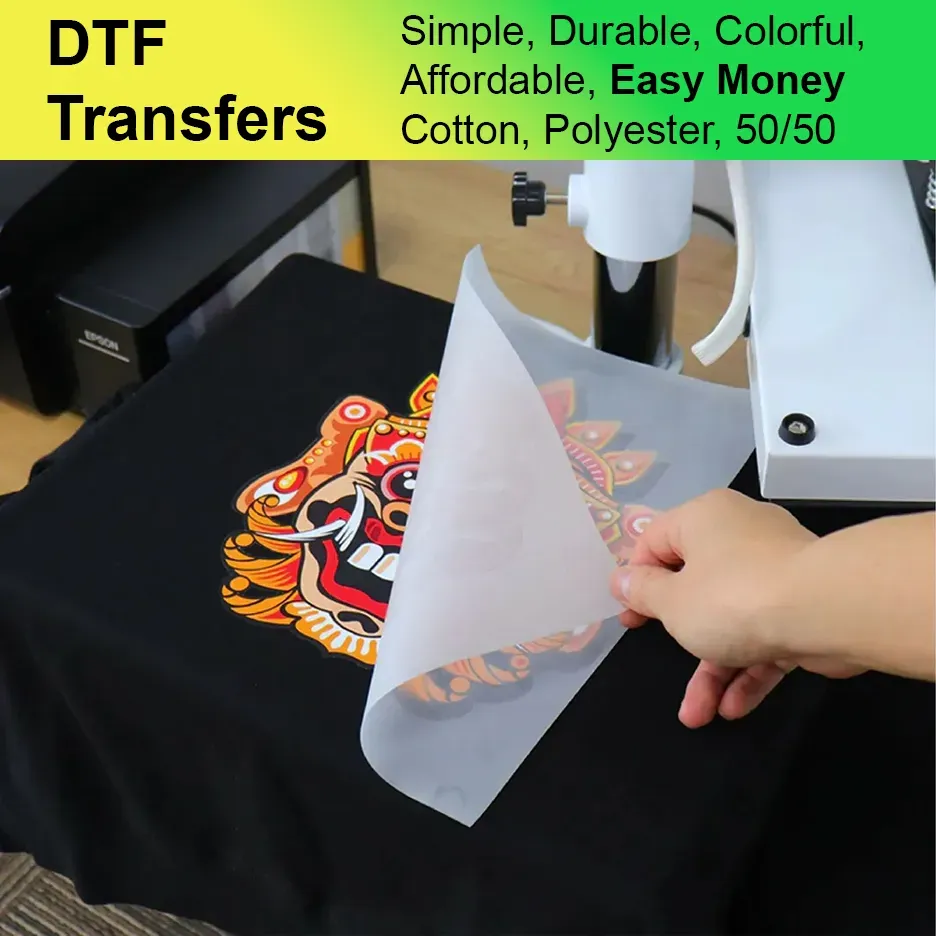
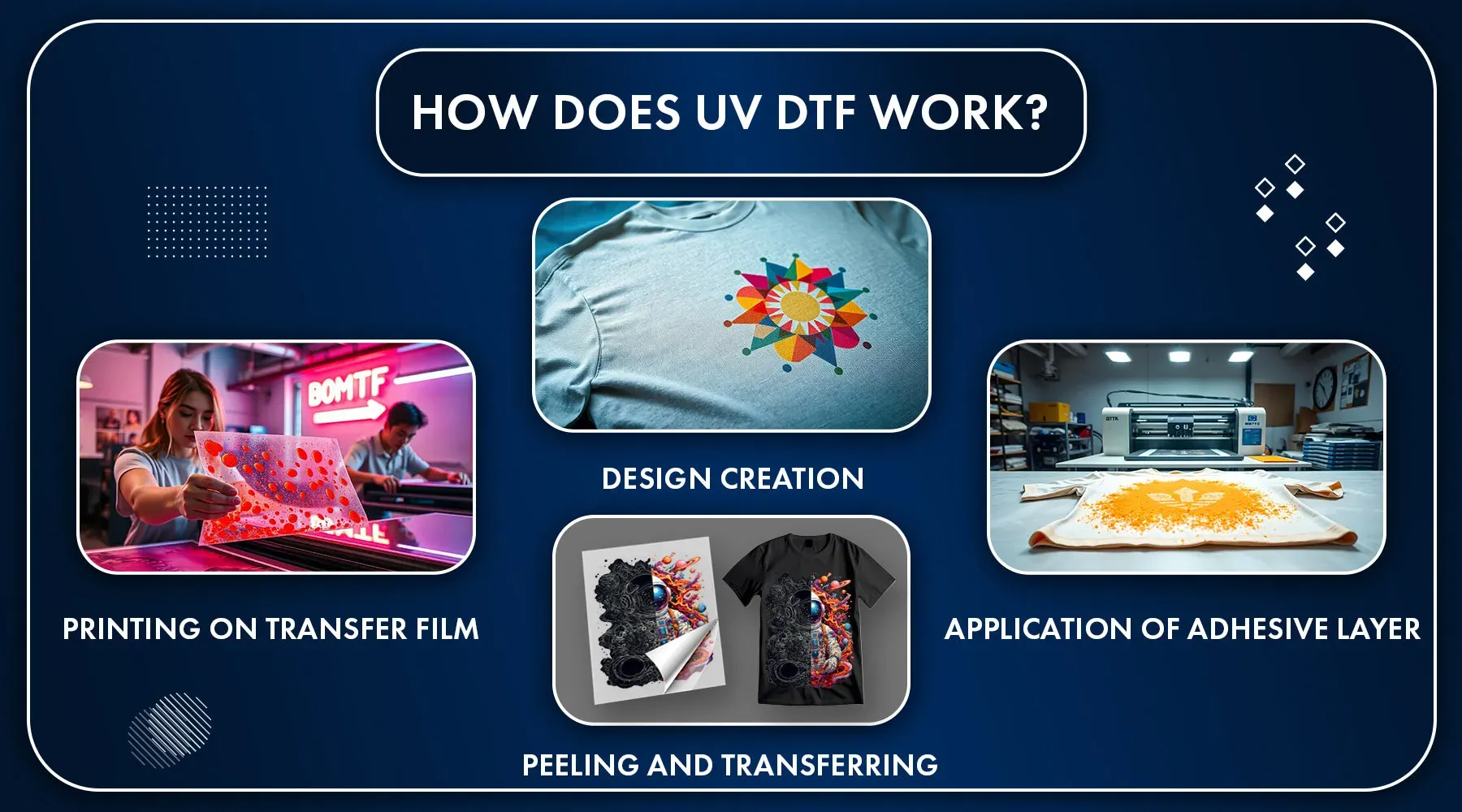
DTF Printing has reshaped how shops decorate garments with vibrant, durable transfers. A streamlined DTF workflow speeds production, reduces waste, and improves consistency across runs. Central to this efficiency is the GangSheet Builder, a tool that packs multiple designs onto a single sheet before printing. By optimizing layout, shops can realize faster throughput and better material and ink efficiency for DTF transfers and bulk DTF printing. In this guide you’ll learn what DTF Printing is, why the GangSheet Builder matters, and how to choose DTF printing software to fit your operation.
In other words, this approach is a film-to-fabric transfer workflow that consolidates multiple designs into one production run. It also aligns with a sheet-based optimization strategy that maximizes printer utilization without sacrificing accuracy. From a broader perspective, this method supports scalable apparel decoration through smart layout, color management, and post-print processing. Think of it as a print-on-film pipeline—often referred to as a gang-sheet approach—that speeds orders, reduces waste, and keeps costs predictable.
Maximizing Throughput with a GangSheet Builder in Your DTF Printing Workflow
A GangSheet Builder lets you assemble multiple designs onto a single gang sheet, maximizing printer utilization and reducing downtime between jobs. In a DTF workflow, this approach boosts throughput by packing dozens of SKUs into one print cycle, accelerating the transition from design to final DTF transfers after curing. For shops pursuing bulk DTF printing, the efficiency gains are tangible: more designs per batch means lower setup time per transfer and a lower cost per transfer overall.
To make the most of a GangSheet Builder, you need an intelligent layout strategy, robust color management, and seamless workflow integration. Focus on grid-based placement, margins for trimming, and collision avoidance to keep designs intact during transfer. A well-integrated system—sharing data between DTF software, RIPs, and post-print steps like curing and powder application—ensures consistency across batches and minimizes waste, a critical factor when scaling for bulk DTF printing.
Achieving Precision and Lower Costs with DTF Printing Software for Bulk DTF Printing
DTF Printing Software is the backbone of a scalable operation, enabling automated gang-sheet generation, precise color calibration, and streamlined post-print processing. By supporting bulk DTF printing, the software helps you maximize every print pass, ensuring accurate color reproduction and alignment across DTF transfers. Coupled with reliable color profiles and device-friendly file handling, this software reduces misprints and rework while keeping throughput high.
Adopt best practices that leverage DTF printing software to drive ROI: reusable templates, standardized margins, and safe zones minimize setup time and human error. Regular substrate testing, consistent calibration, and documenting SOPs empower teams to maintain quality as volumes grow. When you pair robust DTF printing software with a disciplined GangSheet strategy, you unlock faster start-ups for new designs, tighter batch control, and improved profitability across bulk DTF printing programs.
Frequently Asked Questions
How does a GangSheet Builder fit into the DTF workflow to improve bulk DTF printing and ensure consistent DTF transfers?
A GangSheet Builder packs multiple designs onto a single print sheet, maximizing bed utilization and reducing idle time within the DTF workflow. This enables bulk DTF printing by lowering setup frequency, cutting material waste, and reducing per-transfer costs. It also promotes consistent color, alignment, and transfer quality across all DTF transfers in a batch through repeatable layouts and calibrated color profiles.
What should I consider when choosing DTF printing software to support a GangSheet strategy and deliver reliable DTF transfers?
Choose DTF printing software that integrates with your RIP and printer drivers, supports flexible gang-sheet layouts, and provides strong color management and preflight checks. Ensure it can handle multiple file formats, scale designs for different garments, and streamline post-print steps like curing and powdering. A good fit reduces setup time, improves throughput, and sustains batch-to-batch consistency across fabrics.
| Aspect | Key Points |
|---|---|
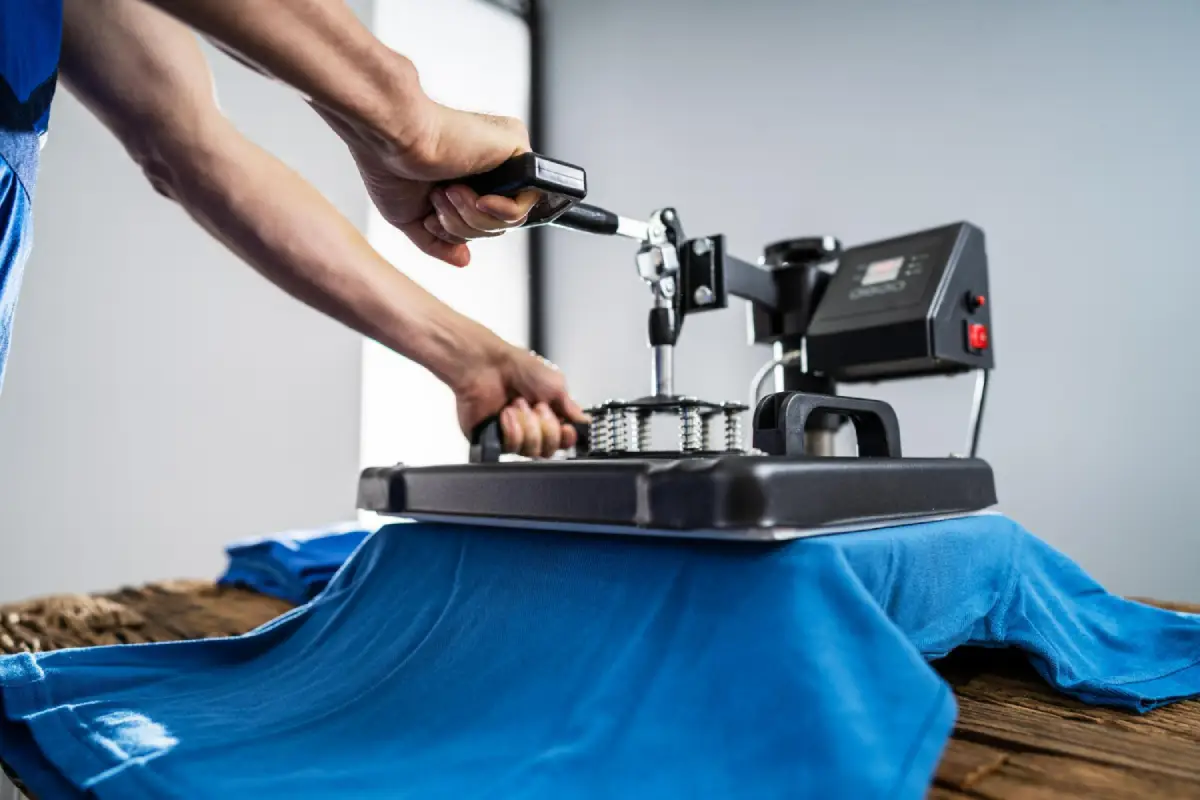
| What is DTF Printing? | – Direct-to-film printing method that applies designs to a transfer film, then uses heat/pressure to transfer to fabric. – Flexible and cost-effective for short runs. – Works on a wide range of fabrics, including blends and dark fabrics. – Popular for e-commerce, promo apparel, and custom shops. |
| GangSheet Builder | – Tool to assemble multiple designs on a single gang sheet before printing. – Maximizes printer utilization; packs many designs per print run. – Reduces downtime and lowers per-unit costs after curing. – Scales with shop growth by improving material/ink efficiency. |
| Why a GangSheet Builder matters | – Increased productivity: fills the print bed with many designs, enabling more orders per day. – Cost containment: reduces waste, lowers ink usage, and cuts setup time. – Consistency/accuracy: repeatable layouts improve color reproduction and alignment. – Flexibility/scalability: handles seasonal releases and multi-size orders without proportional setup. – Faster startup for new designs: groups related graphics to speed validation. |
| Key Components | – Intelligent layout to maximize designs per sheet and protect print areas. – Color management for repeatable color across designs. – Design compatibility with various formats and resizing tools. – Workflow integration with RIPs, drivers, and post-print steps. – Quality checks for layout, bleeds, and margins to reduce waste. |
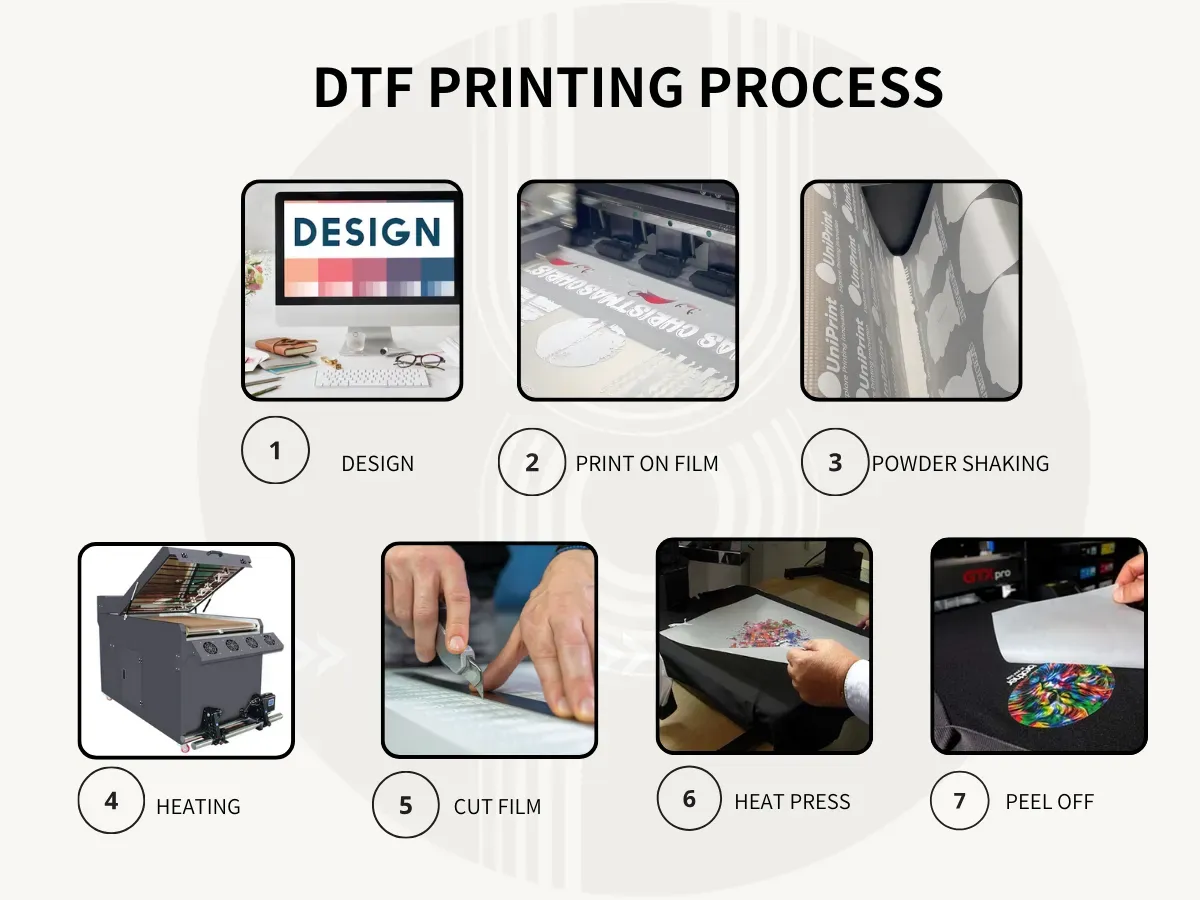
| Implementation steps | 1) Assess throughput and bottlenecks. 2) Choose a layout strategy (grid vs packing). 3) Prepare design assets (color space, 300 dpi, transparency). 4) Test with sample batches. 5) Calibrate color and ink usage. 6) Establish post-print workflow (powder, cure). 7) Document SOPs. 8) Train staff and iterate. |
| Best Practices | – Maintain margins and safe zones to avoid edge cropping. – Use consistent color profiles across designs. – Test fabric variance (polyester blends, cotton blends, dark fabrics). – Create scalable templates for multiple sizes/orientations. – Plan post-processing steps with batch turnaround in mind. – Have clear processes for returns/reworks to minimize downtime. |
| Real-World Scenarios | A mid-sized shop moves from printing 30–40 transfers per day to 120–180 transfers per day with gang-sheets, cutting lead times and reducing costs per transfer through better ink utilization and less waste. Multi-size/colorway orders can be completed in a single run, though exact gains vary by shop. |
| Common Pitfalls | – Overpacking sheets causing alignment problems. – Inconsistent color management without calibration. – Ignoring substrate variability leading to adhesion/finish issues. – Inadequate documentation or SOPs causing drift. |
| Future Trends | – More automation and AI-driven layout optimization. – Smarter color management and integration with ERP/order systems for real-time batch planning. – Deeper analytics to inform design choice and production scheduling. |