
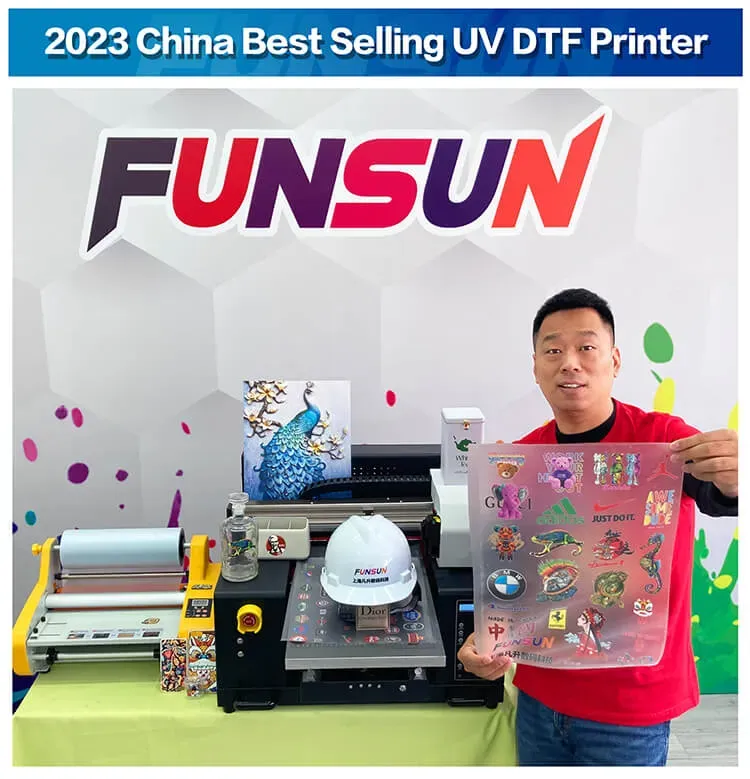
UV DTF printing, or UV Direct-to-Film printing, has revolutionized the way businesses deliver high-quality prints across diverse materials. This innovative UV printing technology utilizes ultraviolet light to cure inks swiftly, ensuring vibrant colors and exceptional detail in every print. However, achieving top-tier print quality requires an understanding of DTF best practices and awareness of common DTF printing mistakes that can hinder results. In this post, we delve into techniques to maximize print quality, ensuring your printed designs are not only eye-catching but also durable and reliable. Discover how the right materials, equipment maintenance, and design preparation can dramatically enhance your printing workflow.
Also referred to as ultraviolet direct-to-film printing, this advanced printing method harnesses the power of UV light for instant ink curing, enabling unparalleled color accuracy and print longevity. By exploring various strategies and insights, businesses can significantly improve their output quality, avoiding costly errors and inefficiencies. Employing best practices is essential to leverage this cutting-edge UV printing technology, allowing for stunning results on a wide array of surfaces. In this discussion, we will examine how to fine-tune your processes to ensure consistency and excellence in each printed project. Join us as we uncover valuable tips to navigate the complexities of this innovative printing technique.
Understanding UV DTF Printing Technology
UV DTF printing technology has revolutionized the printing industry by providing an innovative approach to producing high-quality prints. This process utilizes ultraviolet light to cure inks directly onto a transfer film, ensuring that colors are vibrant and details are sharp. Unlike traditional printing methods, UV DTF allows for a wide range of substrate compatibility, enabling printers to apply designs to materials ranging from fabrics to rigid surfaces with ease. With this technology, the risks of color fading and chipping are significantly reduced, resulting in prints that maintain their integrity over time.
As printers delve into the mechanics of UV DTF, they must recognize the critical aspects that contribute to maximizing print quality. Understanding the ink formulation, the substrate interaction, and the curing process provides valuable insights into how to achieve optimal results. This knowledge empowers printers to select the right materials and techniques, leading to enhanced operational efficiency and improved product offerings. Ultimately, a thorough comprehension of UV DTF technology positions printers to make informed decisions and elevate their printing capabilities.
Frequently Asked Questions
What are the best practices to maximize print quality in UV DTF printing?
To maximize print quality in UV DTF printing, it is essential to choose high-quality materials, implement precise color management, monitor print speed, optimize printer settings for each job, and conduct thorough tests before large runs.
How does UV printing technology enhance print quality?
UV printing technology enhances print quality by curing inks instantly with UV light, leading to vibrant colors and superb durability while preventing fading and chipping that can occur in traditional printing methods.
What are the common mistakes in DTF printing that affect print quality?
Common mistakes in DTF printing that affect print quality include using poor quality transfer films, improper color management, neglecting printer maintenance, skipping design preparation, and not controlling environmental factors like humidity and temperature.
How important is film quality in UV DTF printing?
Film quality is crucial in UV DTF printing. Low-grade films can warp and affect adhesion, resulting in compromised print quality. Always invest in high-quality films specifically designed for UV DTF to achieve the best results.
Can environmental factors impact UV DTF print quality?
Yes, environmental factors significantly impact UV DTF print quality. Fluctuations in humidity and temperature can alter ink curing and adhesion, so maintaining a controlled environment is essential for consistent results.
What role does printer maintenance play in achieving high-quality UV DTF prints?
Printer maintenance is vital for achieving high-quality UV DTF prints. Regular cleaning and checks on print heads and ink lines prevent clogs and ensure consistent output, reducing downtime and enhancing productivity.
| Key Point | Details |
|---|---|
| Understanding UV DTF Printing | UV DTF printing uses UV light to cure inks, ensuring vibrant colors and strong adhesion to various surfaces. |
| Common Mistakes | 1. Poor Film Quality: Always use high-quality films compatible with UV inks. 2. Improper Color Management: Ensure accurate calibration of the printer. 3. Neglecting Printer Maintenance: Regularly clean and maintain the printer to avoid issues. 4. Skipping Design Preparation: Use high-resolution artwork and correct file formats. 5. Environmental Factors: Control humidity and temperature to avoid ink issues. |
| Tips for Maximizing Print Quality | 1. Select the Right Materials with premium inks and films. 2. Implement Color Management using software for accurate profiles. 3. Monitor Print Speed, adjusting for better clarity. 4. Optimize Printer Settings for different project requirements. 5. Conduct Thorough Testing before large print jobs. |
| Best Practices for DTF Success | – Use high-quality transfer films. – Regularly maintain your printer for consistent results. – Control the printing environment to prevent quality issues. – Properly prepare designs to reduce errors during printing. |
Summary
UV DTF printing is an innovative technology that provides businesses with the ability to produce high-quality, durable prints across various substrates. By understanding the UV DTF process and implementing best practices, businesses can significantly improve print quality and operational efficiency. Avoiding common mistakes, such as using low-quality materials and neglecting printer maintenance, is crucial in achieving optimal results. Additionally, carefully monitoring print settings and environmental conditions can further enhance print output. Embracing these strategies will not only elevate the quality of prints but also ensure competitiveness in today’s dynamic printing market.