DTF Design Best Practices: Create Print-Ready Files

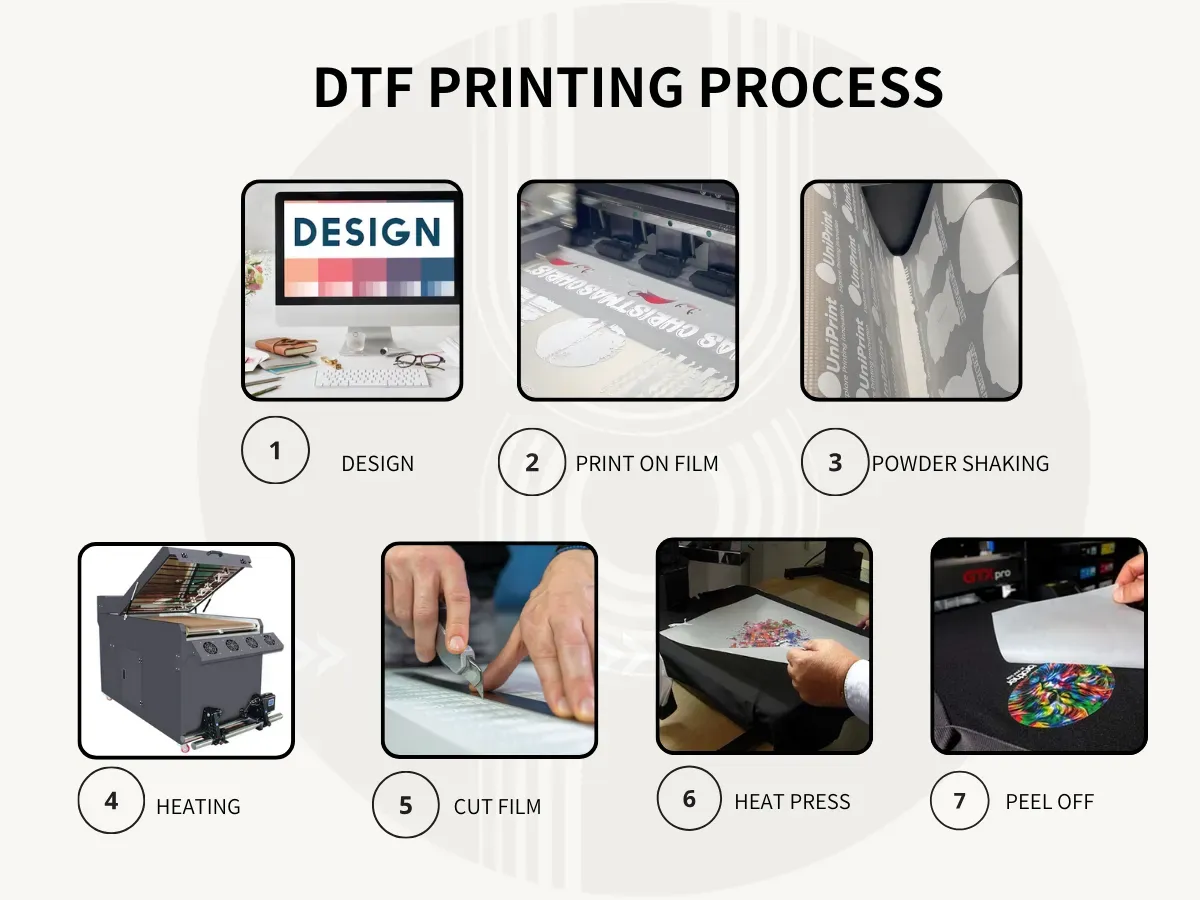
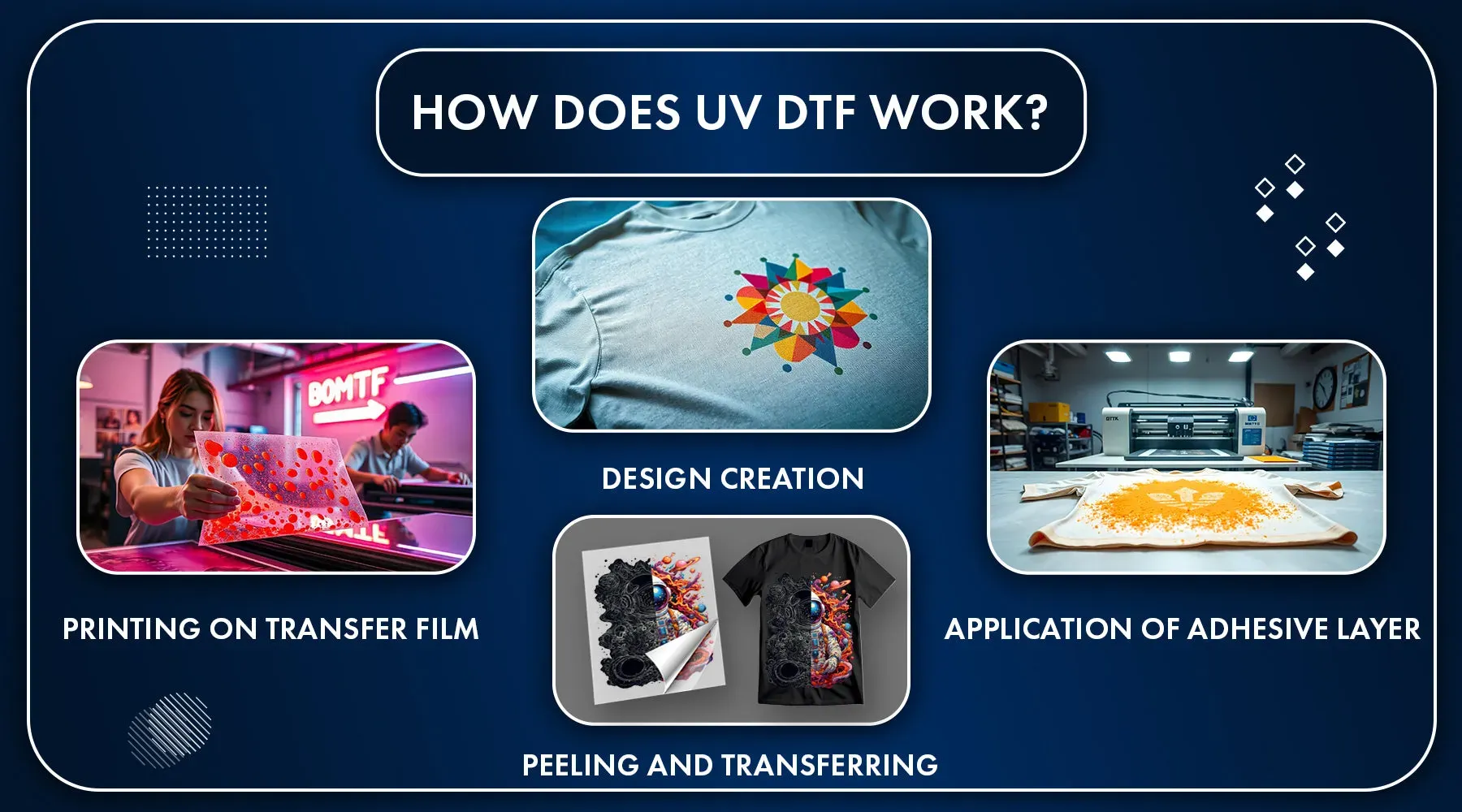
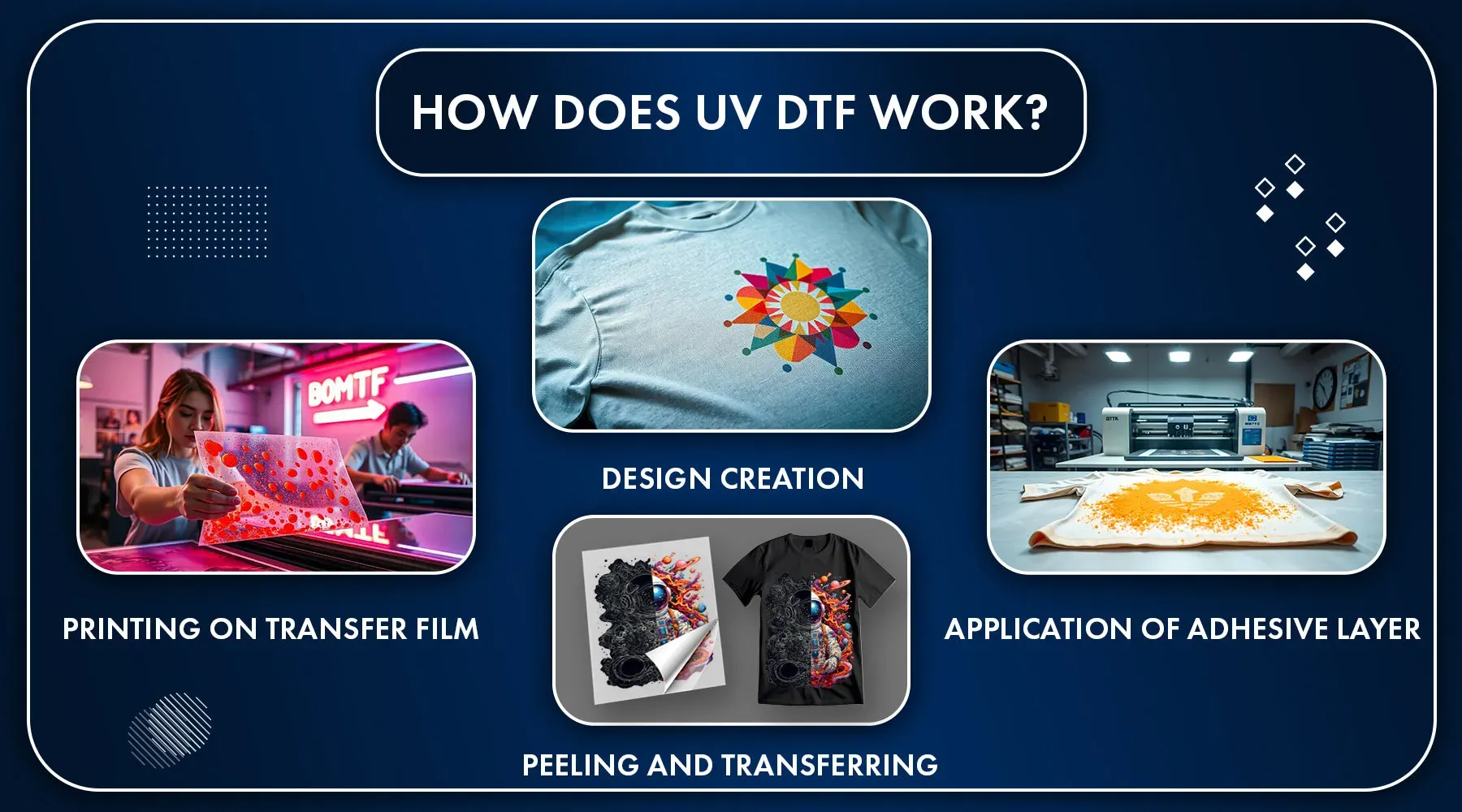
DTF Design Best Practices guide you from concept to fabric with vibrant, durable transfers. As Direct-to-Film printing expands in popularity, designers rely on proven workflows to keep previews aligned with the final result. This quick-start guide covers file formats, color workflows, and margin considerations to minimize reprints. Key steps include consistent CMYK color management and careful attention to resolution and bleed and safe area. With these practices in place, you’ll deliver reliable, high-quality prints across a range of fabrics.

Beyond the headline guidelines, the discussion shifts to practical transfer workflows that keep artwork faithful as it moves from screen to textile. Think of this as a cohesive approach to digital transfers, garment decoration, and fabric-ready preparation that leverages color science, proofing, and consistent file handling. Using LSI-inspired terms like digital transfers, textile printing, and color integrity helps designers connect concepts across tools and substrates. The focus remains on predictable outcomes, early soft proofs, and robust preflight checks to catch issues before production.

Frequently Asked Questions

What are the core DTF Design Best Practices to create print-ready files for fabric transfers?

DTF Design Best Practices center on delivering a single, print-ready file your printer or RIP can read without edits. Implement robust CMYK color management with calibrated displays and ICC profiles to preserve intent, and ensure correct resolution, bleed, and safe-area guidelines. Keep layers organized (text as vector where possible, and flatten only when necessary) to minimize errors and reprints.

How does CMYK color management affect DTF printing and the preparation of print-ready files?

CMYK color management is essential to predict how colors will translate from screen to fabric. Calibrate monitors and proofing devices, apply printer ICC profiles, and convert artwork to the target color space early in the workflow. Soft proofing helps anticipate shifts and keeps color consistency across substrates within the DTF process.

What DPI accuracy is recommended for DTF design to ensure sharp and vibrant transfers?

Aim for 300 DPI at the final output size for raster assets to ensure sharp detail. Avoid excessive upscaling that can blur, and use vector for text and logos when possible to preserve clean edges. Embed or link high-resolution raster images and maintain proper compression to preserve detail in DTF transfers.

Why are bleed and safe area critical in DTF Design Best Practices, and how should you apply them?

Bleed and safe-area considerations prevent edge-clipping and misalignment on fabrics. Include a 3–5 mm bleed beyond trim and keep critical elements inside the safe area. Design with seam lines and substrate variations in mind to maintain alignment across the full garment or textile.

What file preparation steps support accurate Direct-to-Film printing and design fidelity?

Create a clean, print-ready file with proper color profiles and layer organization. Convert fonts to outlines where appropriate, embed high-quality assets, and document substrate and ink settings for the DTF workflow. Include linked images, color proofs, and notes to reduce last-minute adjustments.

What common pitfalls should designers avoid to maintain DTF Design Best Practices and ensure consistent results?

Avoid low-resolution graphics, unexpected color shifts, and misaligned bleeds. Rely on color-managed workflows and proofs, respect bleed and safe-area rules, and use standardized templates to minimize reprints and ensure consistent results in Direct-to-Film projects.

Topic Key Points
Understanding the DTF Workflow
  • DTF printing blends digital design with a fabric-ready transfer.
  • The goal is fidelity from screen to substrate.
  • Core concepts: color management, file readiness, substrate awareness.
Choosing the Right File Formats and Resolution
  • Resolution: 300 DPI at final output; upscale carefully to avoid pixelation.
  • Vector for text/logos; high-res, embedded raster images.
  • File formats: PNG/TIFF for rasters; EPS/PDF for vectors; PNG for composite designs with transparency.
  • Layer management: Flatten only when necessary; keep layers for adjustments.
Color Management and ICC Profiles
  • Calibrate devices regularly (monitors, proofing devices).
  • Apply ICC profiles from printer/substrate; generate/request profiles if none exist.
  • Soft proof when possible to anticipate shifts on target substrate.
  • Convert artwork to correct color space early; minimize conversions during processing.
Bleed, Safe Area, and Layout Considerations
  • Bleed: typically 3–5 mm beyond trim; follow printer guidelines.
  • Safe area: keep critical elements inside to prevent clipping.
  • Edge handling: plan for seams/edges to avoid misalignment.
  • Substrate-specific adjustments: test bleed/safe area on common fabrics.
DPI, Color Space, and White Underbase (DTF-Specific Tips)
  • Ensure raster assets are high-resolution and optimized; avoid oversampling artifacts.
  • White underbase: plan coverage and interaction with full-color artwork.
  • CMYK and beyond: some workflows use extra channels; use color management to predict results.
Preparing Artwork for Direct-to-Film Transfer
  • Text: convert to outlines where appropriate; ensure legibility at print size.
  • Images: embed high-quality rasters with proper color profiles; avoid heavy compression.
  • Layer organization: name layers clearly (e.g., Front_UpperLeft_Text, Logo_Vector).
  • File naming: descriptive names including date, client, version.
Iterative Proofing and Quality Control
  • Soft proofs: compare to target substrate color space.
  • Printed proofs: validate on similar fabric when possible.
  • Preflight checks: automate checks for fonts, embedded profiles, oversized assets.
  • Version control: maintain history to compare and revert changes.
Delivering Print-Ready Files to Production
  • Include all assets: final file, linked images, fonts as outlines, used profiles.
  • Substrate/ink settings: document substrate type, ink set, underbase, post-processing.
  • Provide color proofs: attach proof to guide printer adjustments.
  • Client documentation: create a short spec sheet detailing file format, color expectations, tolerances.
Common Pitfalls and How to Avoid Them
  • Low-resolution graphics: verify asset resolution at final size; upscale cautiously.
  • Color surprises: rely on color-managed workflows and proofs.
  • Misaligned bleeds: ensure bleed and safe areas are respected.
  • Inconsistent file handling: use standardized templates and naming conventions.

Scroll to Top