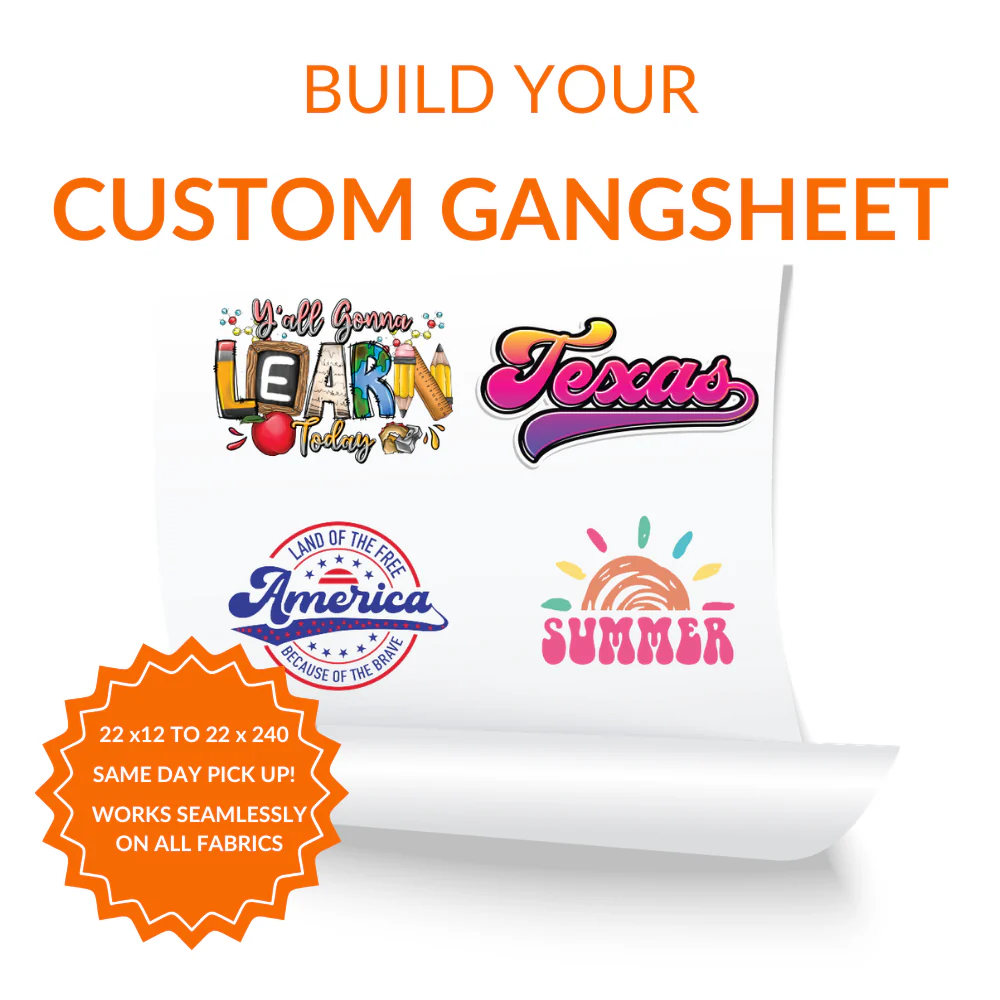
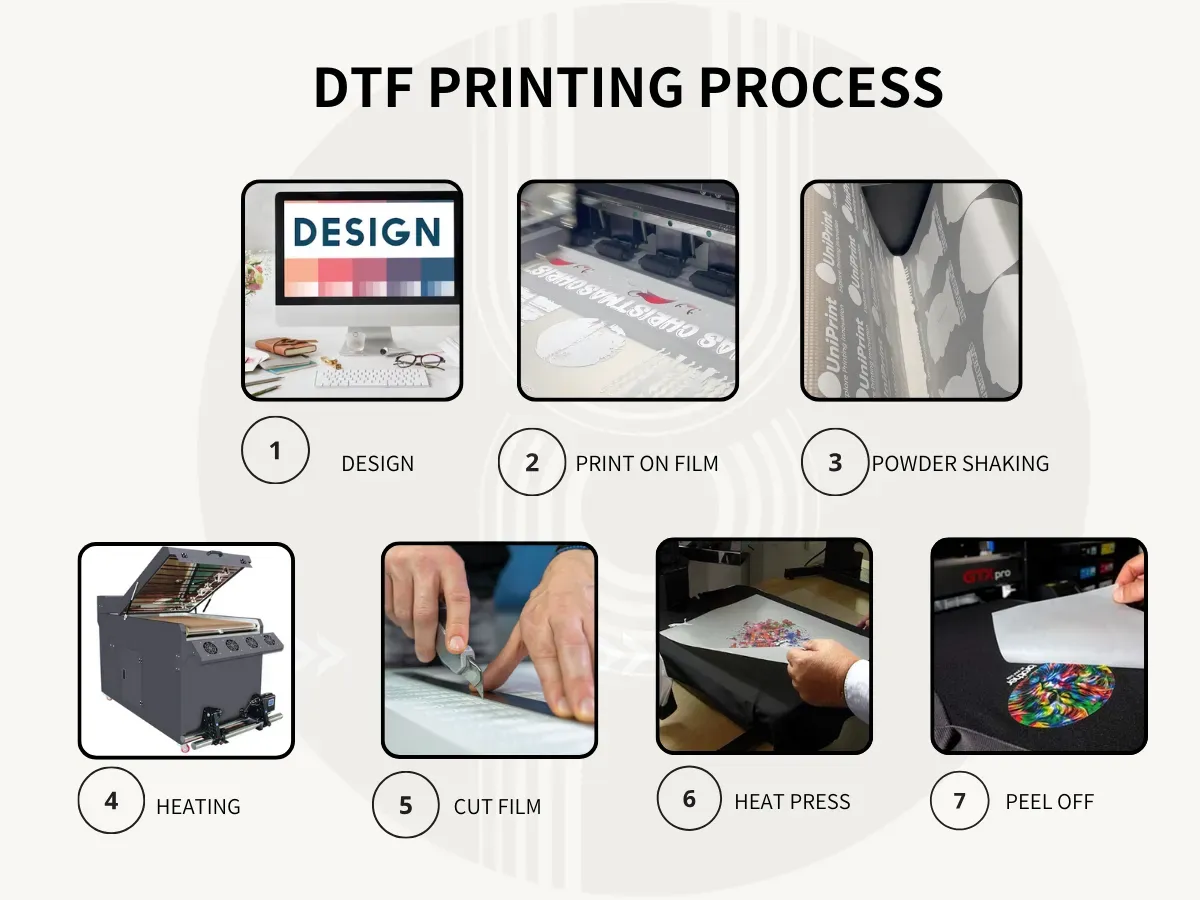
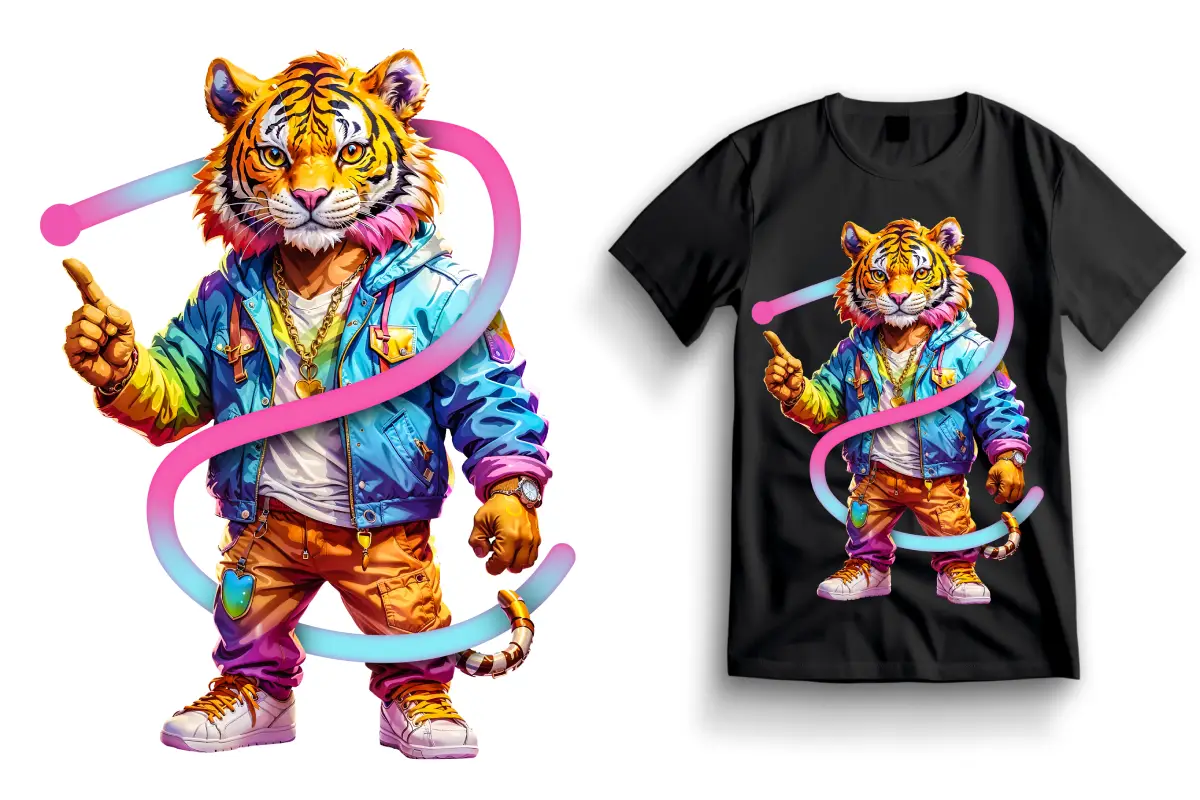
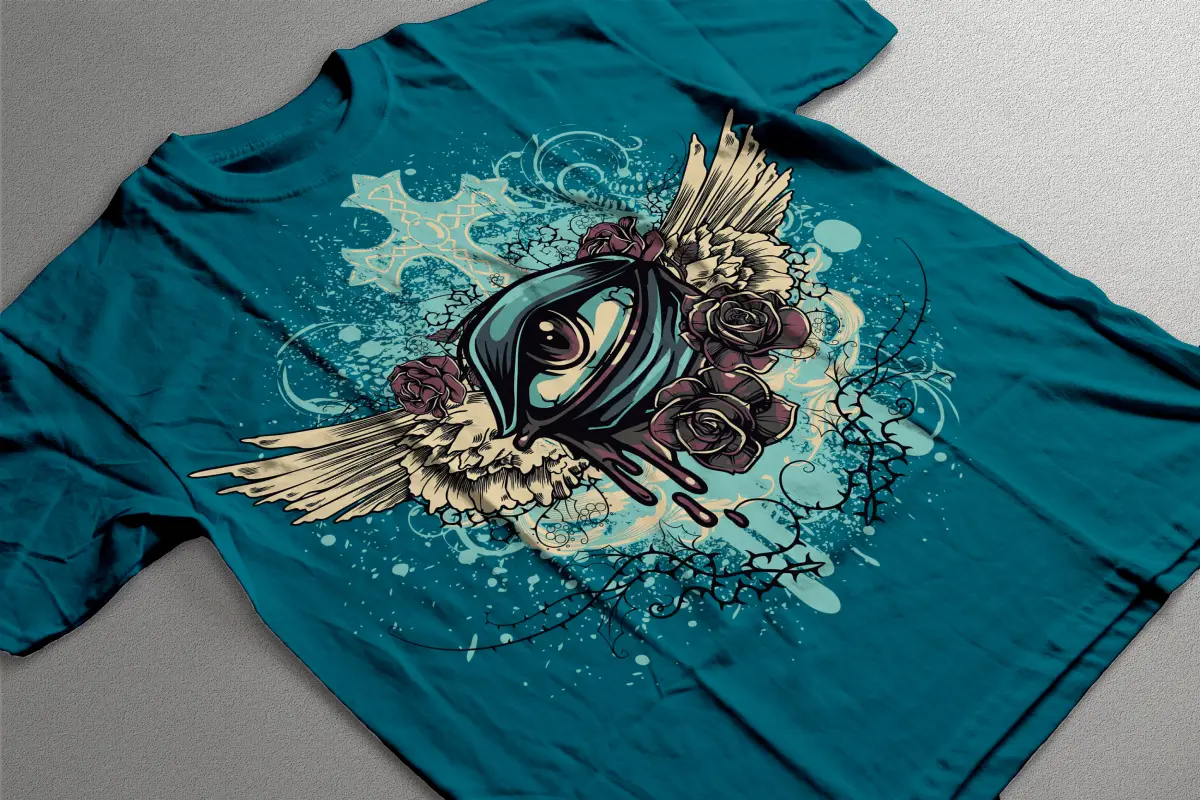
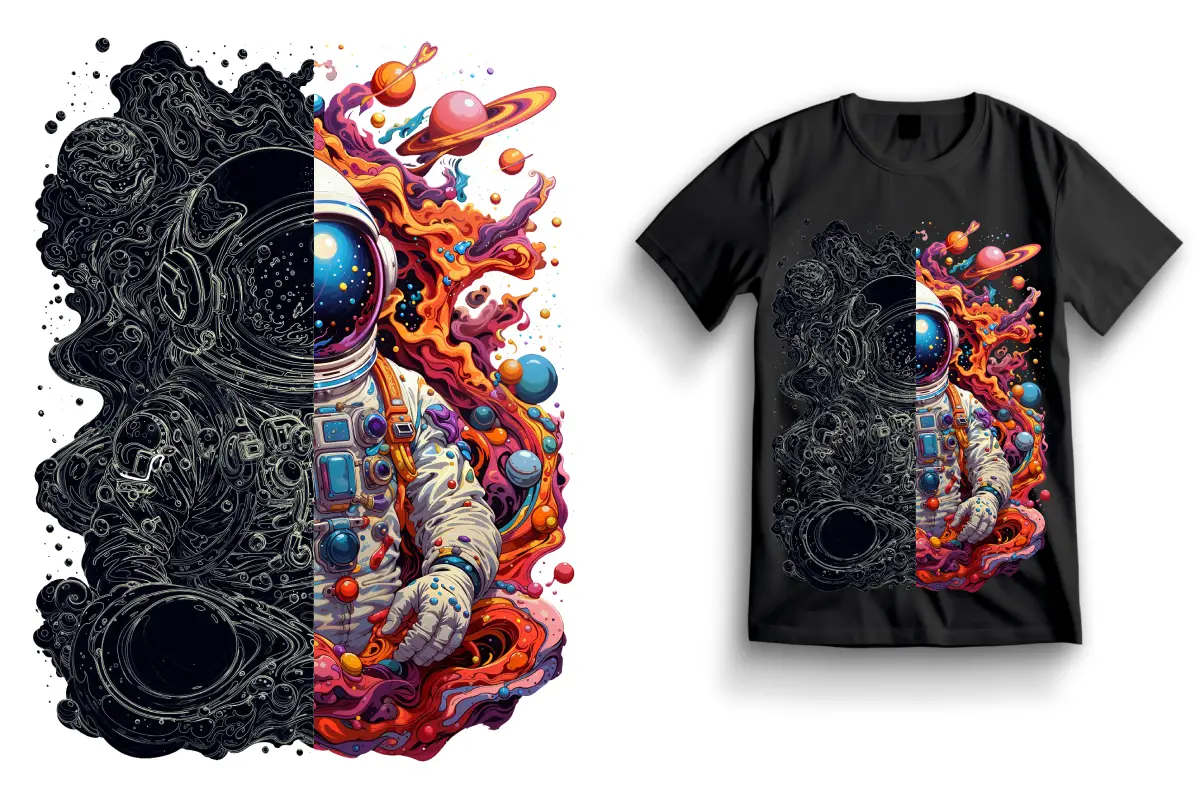
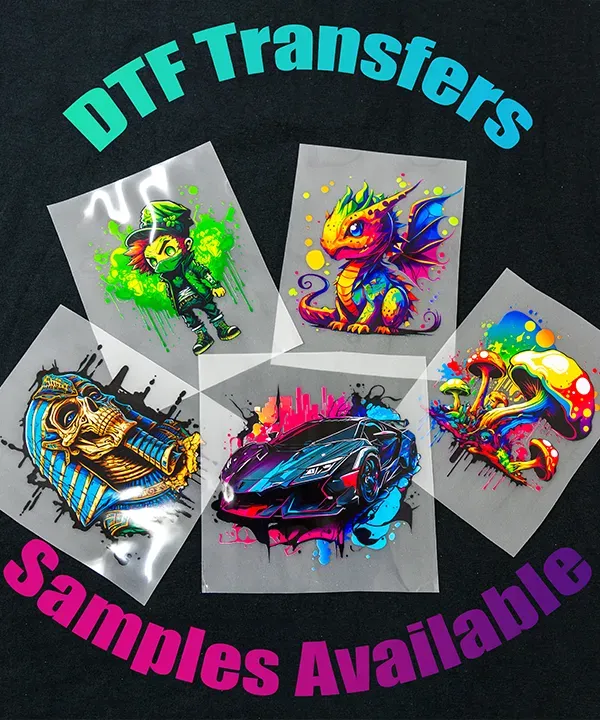
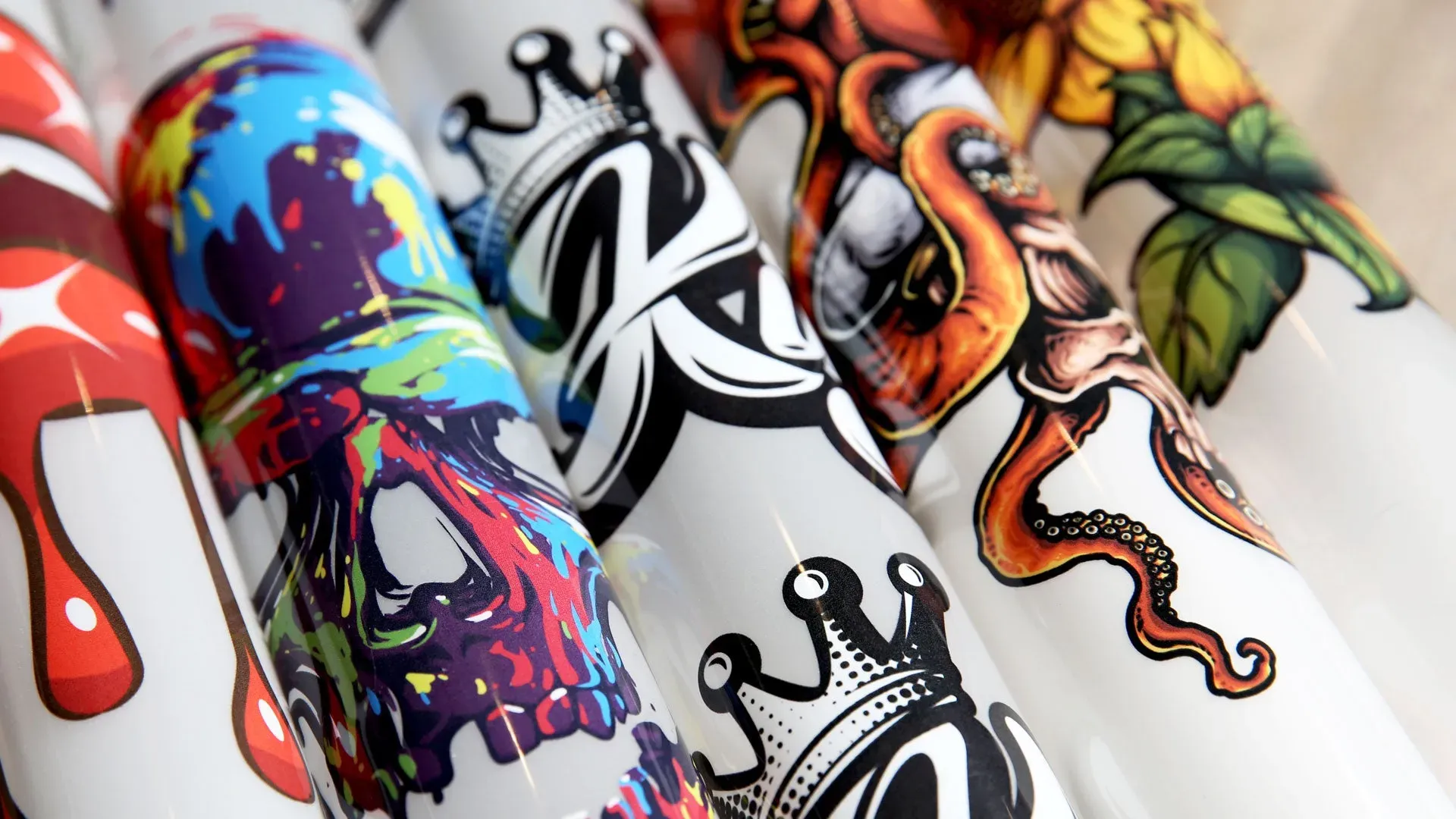
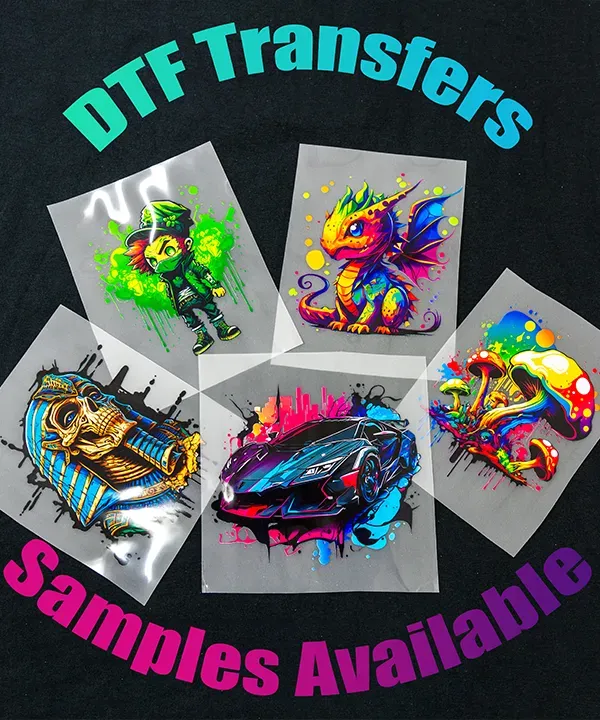
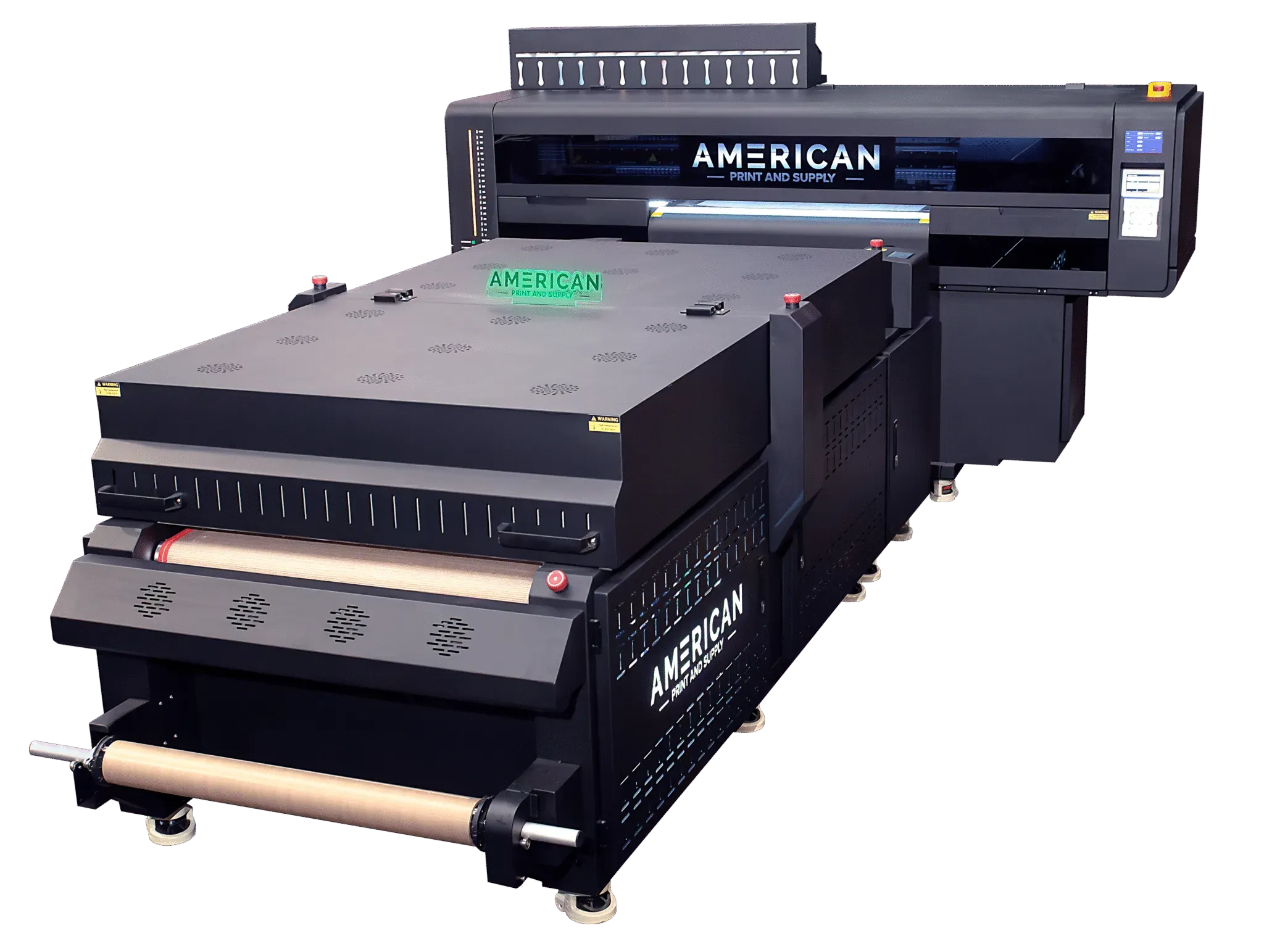
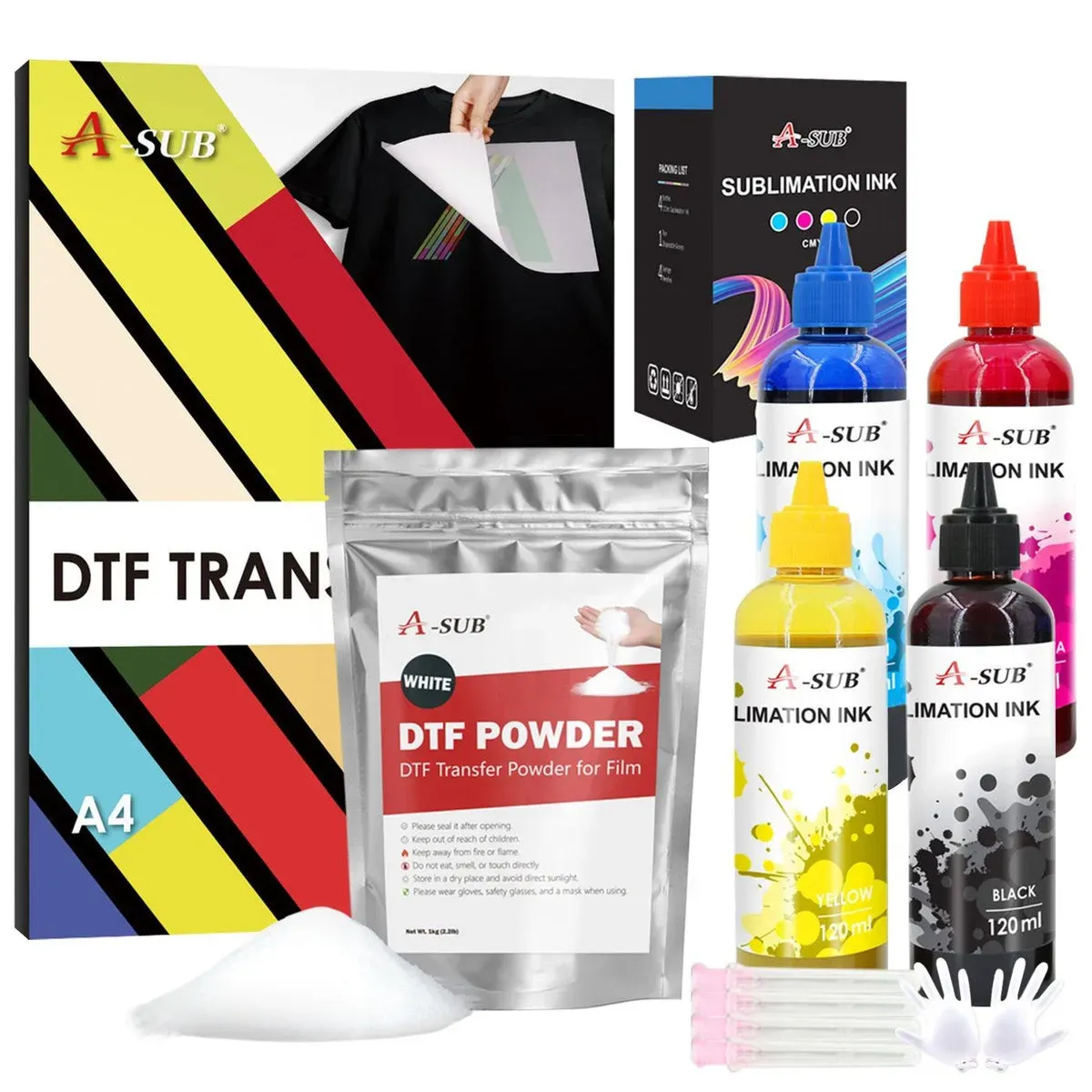
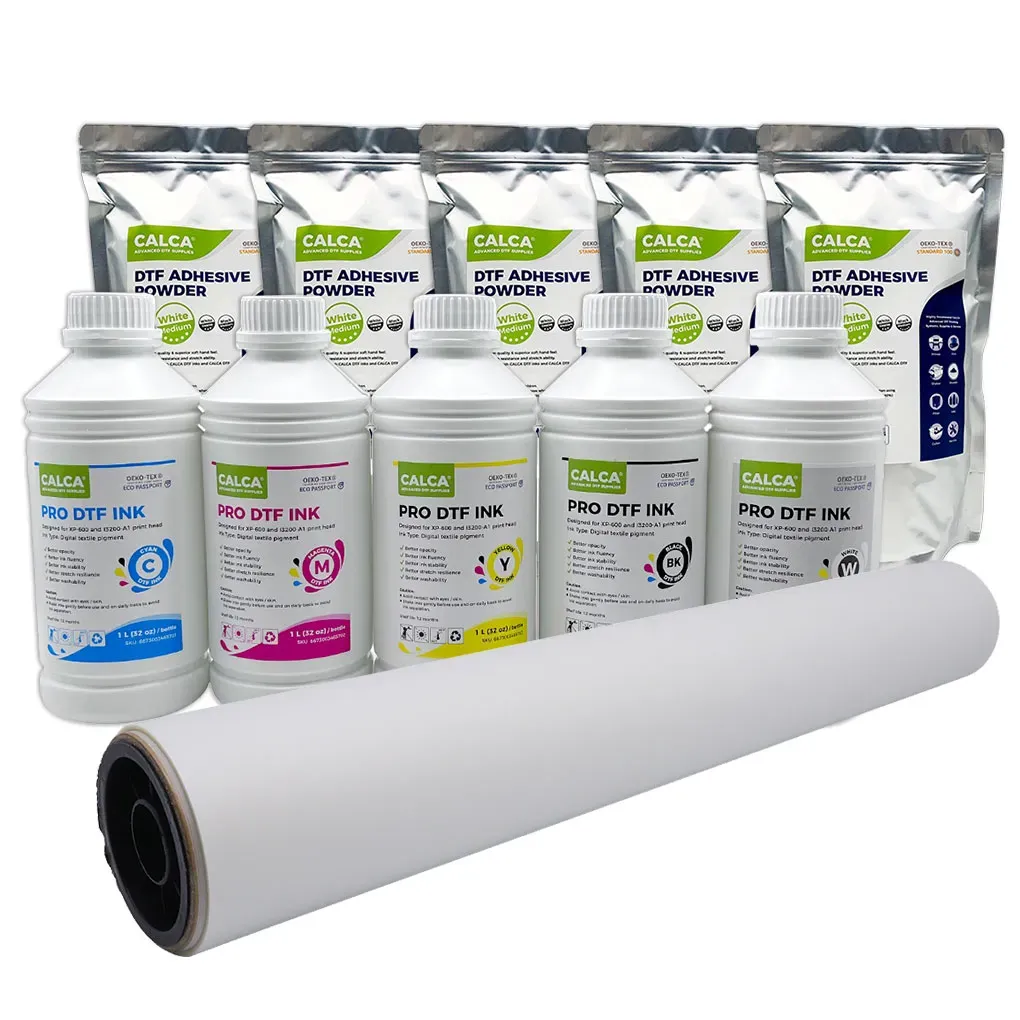
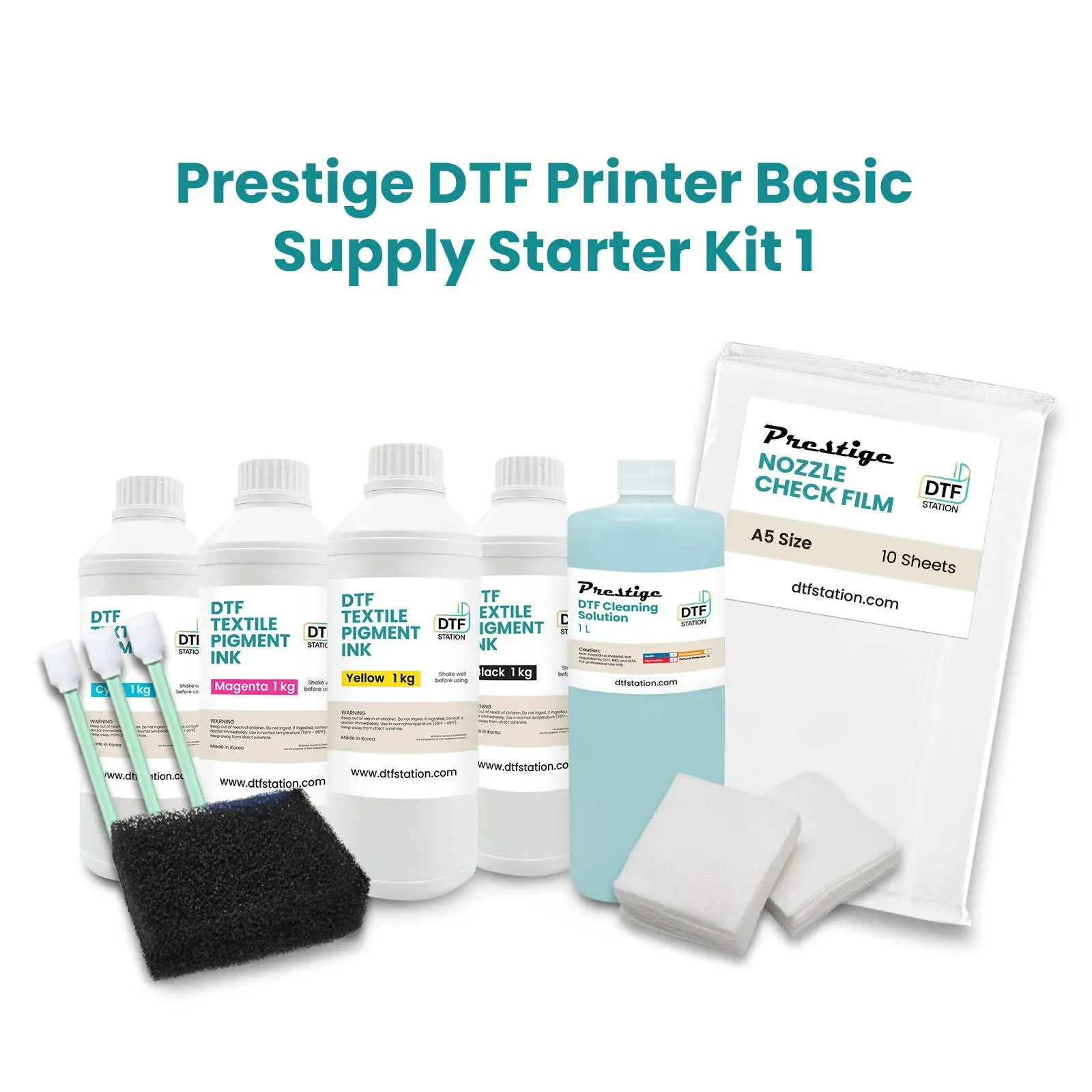
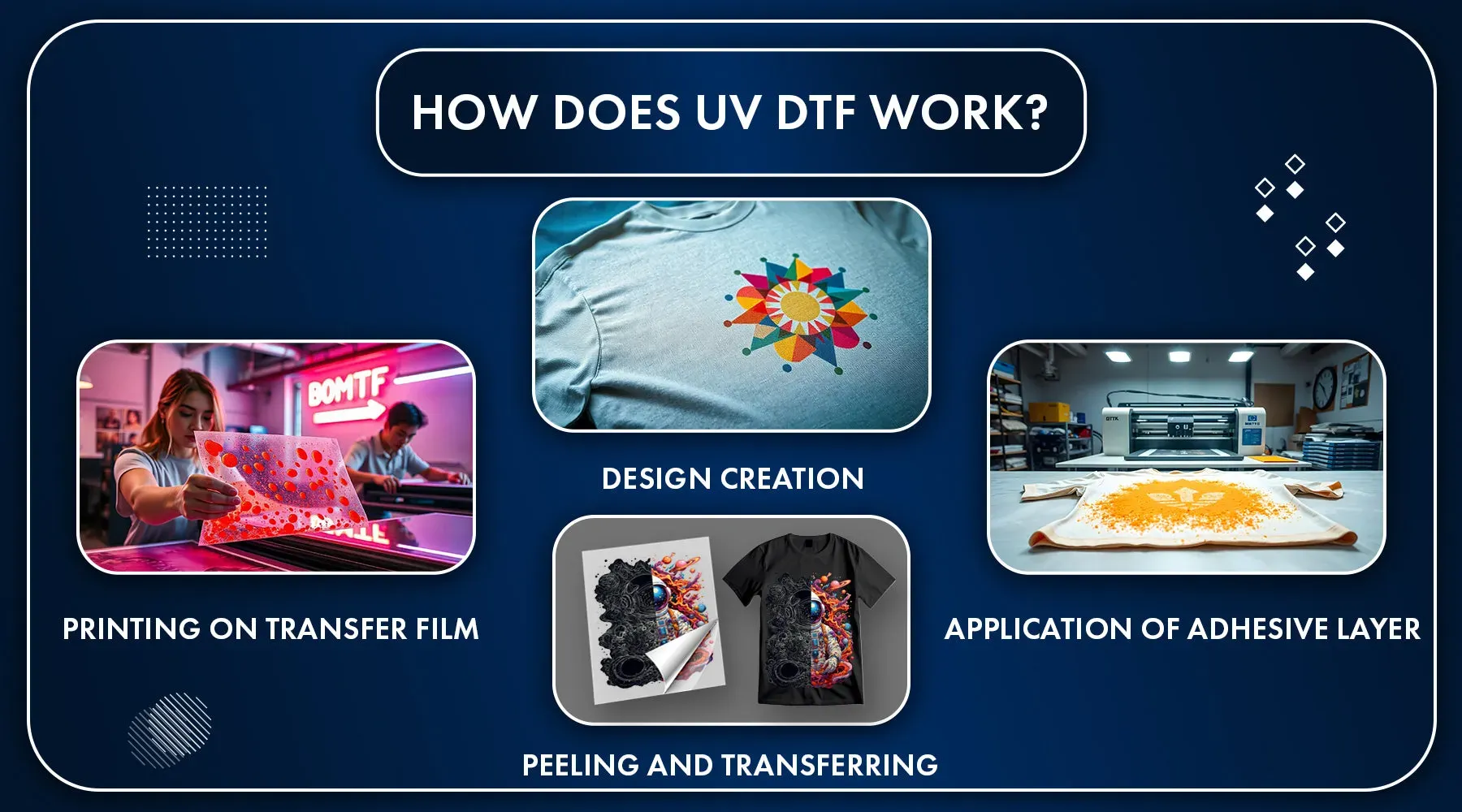
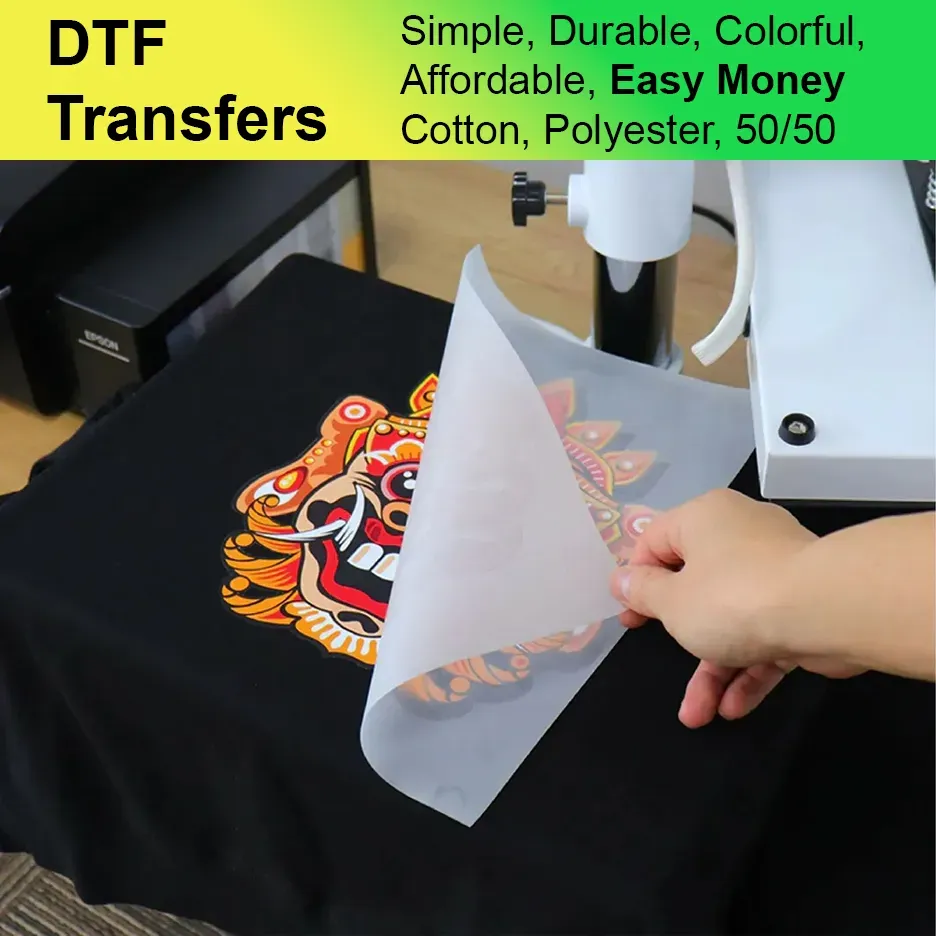
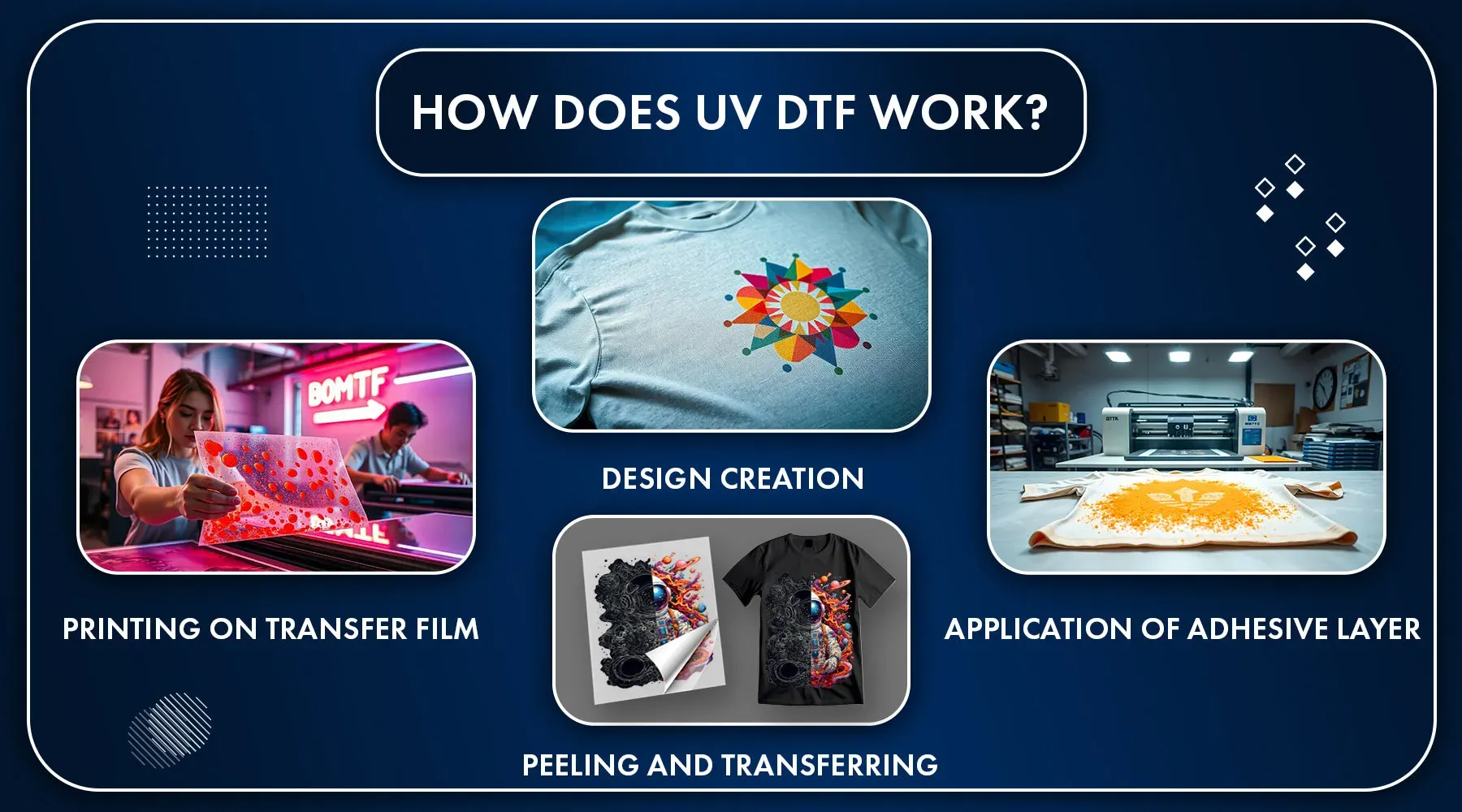
DTF transfers, or Direct to Film transfers, have revolutionized the way we print and apply designs on fabrics, allowing for vibrant colors and intricate details. However, many users encounter challenges and common DTF transfer errors that hinder their success. This article highlights crucial DTF printing tips to avoid these pitfalls, helping both novices and seasoned printers fine-tune their techniques. By recognizing mistakes in DTF printing early on, you can enhance your results and achieve professional-quality outputs. Whether you’re unsure how to use DTF transfers or struggling with DTF transfer issues, understanding key principles will elevate your craft.
When we talk about heat transfer printing, particularly using the Direct to Film method, it’s essential to consider various strategies for ensuring flawless results. This approach blends the creative aspects of design with technical know-how, aiming to deliver stunning fabric prints. As is common in printing, practitioners often face hurdles that can be categorized as typical heat transfer mistakes. By becoming aware of DTF printing alternatives, like those often encountered in various printing mediums, one can develop effective solutions to improve workflows. Understanding the various components involved, such as transfer materials and printer settings, will greatly assist in yielding desirable outcomes.
Understanding Common DTF Transfer Mistakes
When embarking on a project with DTF transfers, understanding the frequent mistakes can save you considerable hassle. One of the most common errors arises from failing to adequately prepare artwork files. Many users mistakenly upload low-resolution images, which can lead to unacceptable pixelation in the final prints. To avoid this mistake, always ensure that your artwork is at least 300 DPI and saved in CMYK mode. This attention to detail during the preparation stage is critical to achieving crisp, vibrant prints that reflect your original vision.
Another error often seen in DTF printing is neglecting an appropriate choice of transfer paper. Each DTF printer has specific requirements for films and papers, and using the wrong type can compromise the bonding process. Ideally, users should always consult their DTF printer’s manual to confirm compatible materials, which can help prevent issues such as incomplete or poorly adhered prints that lead to frustrating outcomes.
Key Tips for Successful DTF Printing
To ensure success with DTF printing, tips on both printer settings and transfer methods are crucial. When adjusting printer settings, it’s essential to consider factors like ink saturation and resolution, which should be tailored to the specific materials you’re using. Setting the printer resolution to a minimum of 720 DPI helps achieve high-quality output and reduces artifacts that can ruin the design. By closely monitoring and adjusting these settings based on the fabric type, you will be able to produce stunning results.
In addition to printer settings, it’s also imperative to not overlook the pre-treatment of fabrics. This step is often skipped by beginners, but pre-treating the fabric can significantly enhance the adhesion of DTF transfers. A good pre-treatment solution, applied evenly with either a spray or a heat press, allows for better bonding and increases the longevity of designs. Ensuring proper drying time also prevents issues like peeling or fading, leading to a more durable print.
Curing Techniques for DTF Transfers
A critical phase in the DTF transfer process is curing, which involves applying the appropriate heat to set the transfer effectively. Many novices make the mistake of either rushing this process or failing to verify their heat settings, which can lead to poor results, such as designs that wear off quickly. By adhering to the manufacturer’s specifications for curing time and temperature, users can dramatically improve the durability and quality of their prints.
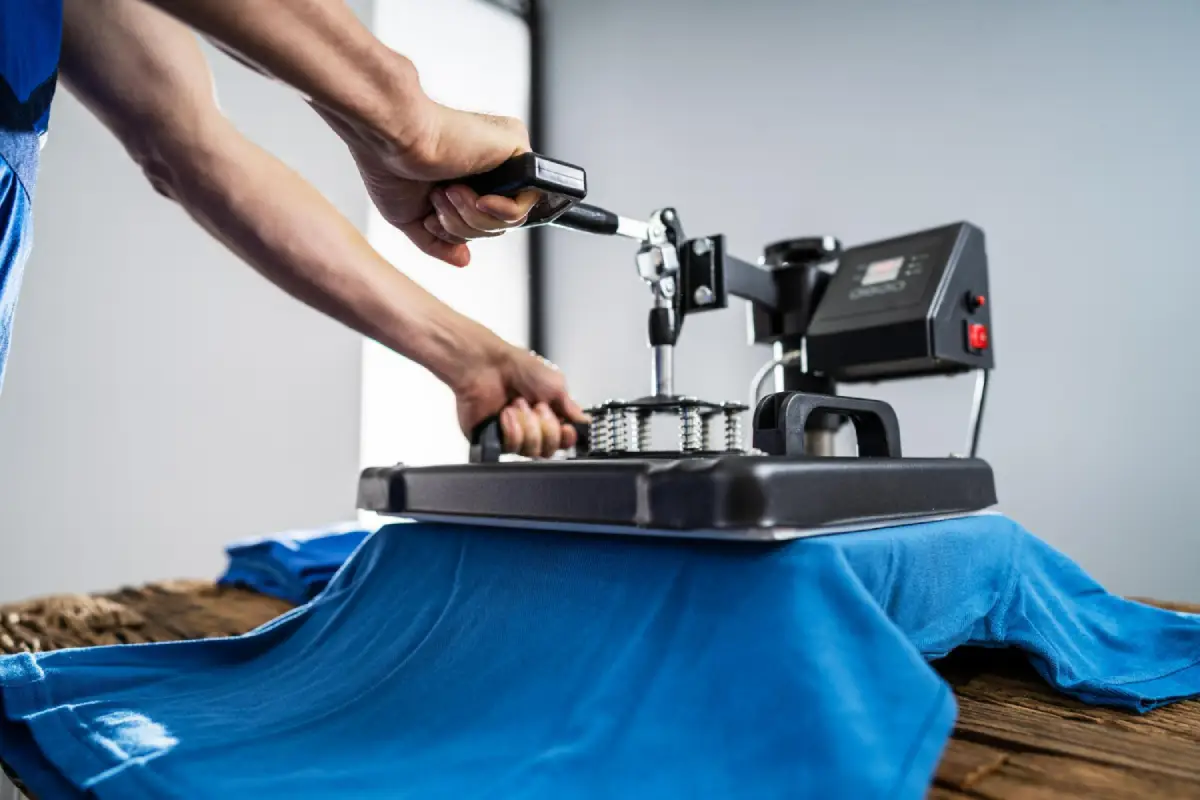
Utilizing a heat press instead of an iron is advisable for curing DTF transfers. Heat presses provide consistent heat application across the entire transfer, unlike irons that may not evenly distribute temperature. This precise application is vital for ensuring that your transfers adhere properly to the fabric, preserving the vibrancy and integrity of your designs for longer.
Importance of Quality Control in DTF Printing
Implementing quality control measures is essential for anyone venturing into DTF printing. Performing quality checks before applying the transfers can help identify issues such as misalignments or color discrepancies at an early stage, saving both time and materials. Regular inspections under proper lighting conditions can also reveal defects that might not be apparent in low light, ensuring that all prints meet the required standards before production.
Conducting test prints prior to full production runs is another effective quality control strategy. This practice allows for adjustments in design or printing settings based on actual output, fostering a deeper understanding of how each change affects the final product. Developing a habit of quality control ensures that your DTF printing projects maintain a professional appearance, which is crucial for both personal satisfaction and business success.
Choosing the Right Fabric for DTF Transfers
The choice of fabric plays a significant role in the success of DTF transfers. Not all materials are compatible with DTF printing, and selecting the wrong type can lead to issues with adhesion and transfer longevity. Cotton and cotton blends have proven to be the most reliable substrates for DTF designs, providing both durability and excellent color representation. By becoming familiar with the characteristics of different fabrics, you can optimize your printing process and the quality of your finished products.
Conversely, opting for slippery or synthetic fabrics without proper specifications can lead to disappointing results. Understanding the inherent properties of various materials can guide you in selecting the optimal substrate for your projects, ensuring that the transfers stay intact and look impressive after washes. This attention to material characteristics significantly improves the end result of your DTF printing endeavors.
Learning from DTF Transfer Challenges
Like any specialized skill, mastering DTF transfers requires a willingness to learn from challenges and setbacks. Failing to reflect on mistakes or ignoring feedback can stifle progress in refining your technique. Keeping a log of your printing experiences allows you to observe patterns and identify recurring issues, making it easier to implement changes that lead to better results. Engaging with fellow DTF enthusiasts online can also provide valuable insights and advice derived from collective experiences.
Furthermore, actively participating in community forums or groups dedicated to DTF printing can enhance your knowledge and skill set. Engaging with others allows you to exchange tips and solutions for common DTF transfer errors, fostering an environment of growth and learning that can aid in overcoming obstacles. Refusing to shy away from challenges not only improves your DTF printing proficiency but also enrichens your overall creative journey.
Frequently Asked Questions
What are some common mistakes in DTF printing?
Common mistakes in DTF printing include inadequate file preparation, improper printer settings, and overlooking pre-treatment steps. To avoid these issues, ensure your artwork is high-resolution, adjust printer settings for the specific material, and apply the correct pre-treatment for better adhesion.
What are essential DTF printing tips for beginners?
For beginners in DTF printing, key tips include using vector graphics for designs, selecting the right transfer paper for your printer, and performing proper quality checks. Additionally, familiarize yourself with curing instructions to enhance the longevity of your DTF transfers.
How do I troubleshoot common DTF transfer errors?
To troubleshoot common DTF transfer errors, first inspect your printer settings for accuracy, ensure the right films are used, and monitor curing conditions. If prints peel or fade, check pre-treatment applications and adjust the fabric type for compatibility.
What should I know about how to use DTF transfers effectively?
To use DTF transfers effectively, start with high-quality artwork and appropriate materials. Follow the manufacturer’s guidelines for curing and application. Pre-treat fabrics if necessary, and perform test prints to ensure alignment and color accuracy.
What are typical DTF transfer issues that can arise during printing?
Typical DTF transfer issues include poor adhesion, misalignment, and color discrepancies. These can be mitigated by proper preparation, calibrating equipment, and maintaining a clean workspace to avoid dust and debris on the transfers.
What is the importance of quality control in DTF printing?
Quality control in DTF printing is crucial to catch defects early and ensure that designs meet expectations. By inspecting prints and transfers before application, you can prevent wasted materials and ensure high-quality final products.
| Mistake | Description | Tips |
|---|---|---|
| 1. Inadequate File Preparation | Improper resolution or file type can lead to pixelation and poor print quality. | Use vector graphics, ensure 300 DPI, and set colors in CMYK. |
Summary
DTF transfers have become a key method for producing high-quality fabric prints, yet many users encounter challenges due to common mistakes. Understanding the process of DTF transfers, from adequate file preparation to the appropriate use of materials and printer settings, is crucial for success. By avoiding pitfalls such as improper pre-treatment or neglecting quality checks, you can enhance your DTF printing experience and achieve vibrant, durable designs. Emphasizing attention to detail and continuously seeking improvement through feedback can greatly elevate your skills and results in the world of DTF transfers.