
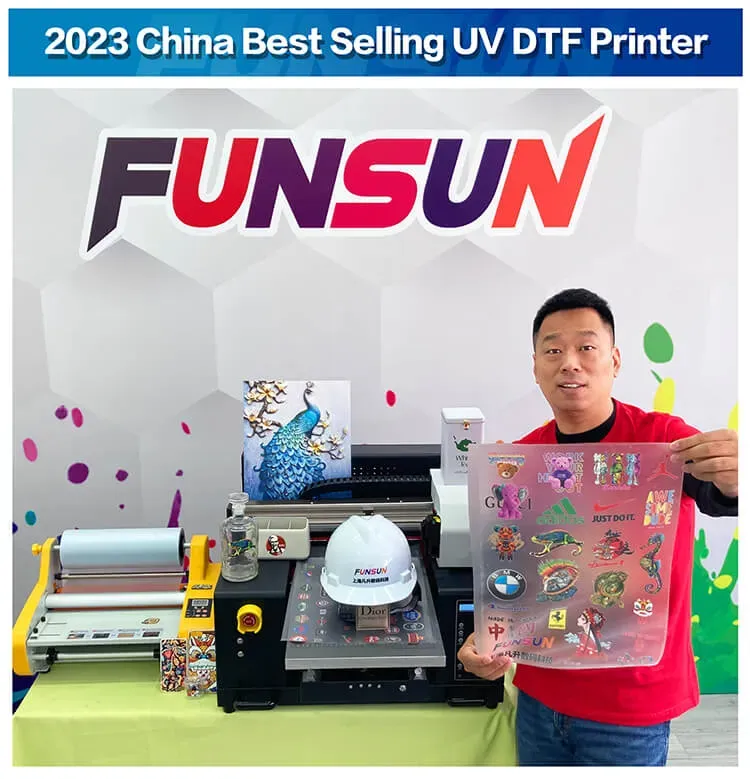
UV DTF (Direct to Film) printing represents a groundbreaking evolution in printer technology, allowing for vibrant, high-quality prints on an astonishing range of materials. As the printing landscape continues to shift, mastering UV printing tips and best practices is essential for achieving superior results. This advanced printing method not only provides exceptional detail and color fidelity but also ensures enhanced material compatibility, making it an ideal choice for various projects. In this blog post, we will share key insights on successful UV DTF printing, focusing on recent advancements in UV printing technology and essential techniques to optimize your outputs. Join us as we explore how this innovative approach is transforming both hobbyist and professional printing endeavors.
When it comes to modern printing techniques, one of the most promising methods is Direct to Film UV printing, which offers remarkable versatility and quality. Often referred to in shorthand as UV printing, this process allows users to apply detailed designs onto multiple substrates, ranging from textiles to metals. With its rapid advancements, UV printing technology has become the go-to solution for creators seeking high impact visuals and durability. By understanding the intricacies of material selection and optimizing printer settings, users can take full advantage of the dynamic capabilities offered by this innovative approach. In the following sections, we will delve into effective strategies and best practices that can help you maximize your results with this cutting-edge printing technique.
Understanding Material Compatibility in UV DTF Printing
Material compatibility is the cornerstone of successful UV DTF printing, and understanding how various substrates interact with UV inks is essential. Not all materials are conducive to UV printing; hence, selecting the right substrate is critical. For example, film materials need to be specifically designed to allow UV ink adhesion, while non-treated surfaces may cause ink to peel or chip away over time. Always conduct thorough research and testing to determine which materials are best suited for your particular project, ensuring maximum durability and color vibrancy.
Consulting with manufacturers and reviewing product specifications can also help guide your material choices. Different substrates have unique characteristics that influence the printing process and final output. For instance, porous materials tend to absorb ink differently than non-porous surfaces, affecting the overall print quality. By taking the time to understand these nuances, you can optimize your work significantly and avoid costly mistakes that stem from incorrect material selection.
Optimizing Printer Settings for Quality Output
Printer settings play a vital role in achieving outstanding results with UV DTF printing. Each material you work with may require different settings, including adjustments for resolution, ink saturation, and curing times. By tailoring these settings to the specific requirements of the substrate, you can enhance the quality of your prints significantly. For example, if you’re printing on thicker materials, you might need to increase the curing time to ensure that the UV ink adequately adheres and dries.
Moreover, keeping a record of your successful settings for various materials can save you a great deal of time in future projects. Many advanced printers come equipped with user-friendly interfaces that allow for quick adjustments, making it easier than ever to achieve that perfect print. Understanding the interplay between quality settings and material types will not only improve the vibrancy of your colors but also extend the life of your prints.
Mastering Proper Curing Techniques
Curing techniques are a critical component of UV DTF printing, directly influencing the durability and appearance of the finished product. Proper curing ensures that the UV ink fully sets on the substrate, preventing issues like cracking and fading. It’s vital to follow the manufacturer’s guidelines on curing times and distances; an overexposed print may become brittle and prone to damage, while one that is under-cured might fail to achieve the vibrant colors intended.
Investing in a high-quality UV lamp that meets your printer’s specifications can make a significant difference in your curing results. Additionally, experimenting with curing times can help you identify the optimal parameters for your specific ink and material combinations, further enhancing overall quality. Educating yourself about the various types of UV curing techniques available in the market can greatly improve your printing capabilities.
The Importance of Pre-Treatment and Post-Processing
In UV DTF printing, pre-treatment significantly impacts the final outcome by enhancing ink adhesion on surfaces that are typically challenging for adhesion. This is especially true for substrates like plastics or untreated wood, where a clear pre-coat can establish a smoother surface for UV ink to bond effectively, mitigating problems such as peeling over time. Various products designed strictly for pre-treatment purposes can greatly benefit your printing projects by creating a perfect base layer.
Similarly, the significance of post-processing cannot be understated; adding protective coatings after printing can significantly extend the lifespan of your designs. Such coatings shield the print from moisture, UV exposure, and physical wear, ensuring that the colors remain vibrant and the print maintains its integrity. Investing time and resources into mastering both pre-treatment and post-processing techniques can significantly elevate the quality and durability of your UV DTF prints.
Essential Maintenance for UV DTF Printing
Consistent maintenance of your UV DTF printing equipment is vital for preserving print quality and extending the life of the machine. Regularly cleaning printheads can prevent clogs caused by dried ink, which can adversely affect the clarity and precision of your prints. Additionally, routine checks on ink levels and printer settings help maintain optimal performance, avoiding unexpected downtimes that could hinder your production efforts.
Incorporating a structured maintenance schedule into your printing workflow will not only improve the quality of your output but also enhance the reliability and efficiency of your equipment. Regular servicing by certified professionals can further ensure that all mechanical components are functioning correctly, helping to prevent significant issues before they arise.
Latest Advancements in UV Printing Technology
The UV printing landscape is rapidly evolving, with advancements continually redefining the capabilities and quality of prints produced. The introduction of printers such as the Anker EufyMake UV Printer E1 is a prime example of this innovation, which brings professional-grade printing technology to hobbyists and small businesses at a more accessible price point. These advancements allow for intricate designs and textures that were previously limited to high-end printing setups.
Staying updated on these technology advancements, such as enhanced curing methods and improved ink formulations, can provide significant advantages in both efficiency and quality. As manufacturers focus more on developing user-friendly options, integrating advanced technology into your printing processes may lead to increased creativity and innovation in your projects.
Frequently Asked Questions
What are the key considerations for selecting materials in UV DTF printing?
When engaging in UV DTF printing, material compatibility is critical. Not every film and substrate pairs well with UV inks. Commonly used materials include textiles, metal, wood, and acrylic, but surface adhesion can vary significantly. It’s advisable to perform preliminary tests with chosen substrates to ensure effective ink adhesion and vibrant colors in your final prints.
How do I optimize printer settings for successful UV DTF printing?
Optimizing printer settings is essential for achieving high-quality UV DTF prints. Each material may require different adjustments for resolution, ink saturation, and curing times. Familiarize yourself with your printer’s settings and keep a log of optimal configurations based on substrate type to consistently improve your print results.
What are the best practices for curing UV inks in DTF printing?
Proper curing of UV inks is vital for the durability of your prints. Use a UV lamp matched to your printer specifications, and carefully monitor exposure times to avoid issues such as over-curing or insufficient curing. Following recommended distances and curing times will help ensure that your prints are resilient and long-lasting.
Why is pre-treatment important in UV DTF printing?
Pre-treatment enhances ink adhesion, especially on challenging materials. Applying a clear-coating pre-treatment can create a better surface for UV ink to bond with, significantly reducing the chances of peeling or chipping. This step lays the foundation for a successful UV DTF printing process.
How can I maintain my UV DTF printing equipment?
Regular maintenance is crucial for your UV DTF printing equipment to ensure optimal performance. Frequent cleaning of printheads can prevent clogs that impact print quality. Additionally, regular servicing of mechanical components will reduce downtime and extend the lifespan of your printer.
What recent advancements in UV printing should I be aware of?
Recent advancements in UV printing include innovations like the Anker EufyMake UV Printer E1, which is designed for both hobbyists and small businesses. This compact printer introduces a unique 3D texturing feature that allows users to print intricate designs on various materials, democratising high-quality UV printing with accessible pricing.
| Key Point | Description |
|---|---|
| Material Compatibility | Select films and substrates that are compatible with UV inks to ensure vibrant colors and longevity. |
| Printer Settings Optimization | Adjust settings like resolution and ink saturation to match the material for optimal print quality. |
| Proper Curing Technique | Use appropriate UV lamps and adhere to curing times to prevent issues like fading or cracking. |
| Pre-Treatment and Post-Processing | Enhance print durability with pre-treatments for better ink adhesion and post-coating for protection. |
| Consistent Maintenance | Regularly clean and service your printing equipment to maintain quality and prolong lifespan. |
Summary
UV DTF Printing has revolutionized the way high-quality prints are achieved on various materials, combining efficiency with vibrant output. Understanding the critical components like material compatibility, printer settings optimization, curing techniques, and necessary maintenance ensures that users can maximize their printing quality while minimizing issues. As trends and technologies, such as Anker’s innovative EufyMake UV Printer E1, continue to emerge, staying updated will empower both hobbyists and professionals to elevate their UV DTF printing projects. This method not only caters to creative designs but also meets increasing demands in the market for customized solutions, making UV DTF printing an essential tool for both artistry and business endeavors.